
48-hour rollout: how to switch to online booking and not go crazy?
System rollouts in salons rarely fail because of software bugs. More often the problem is ambition: we want to load a hundred services and the entire team into the system all at once.
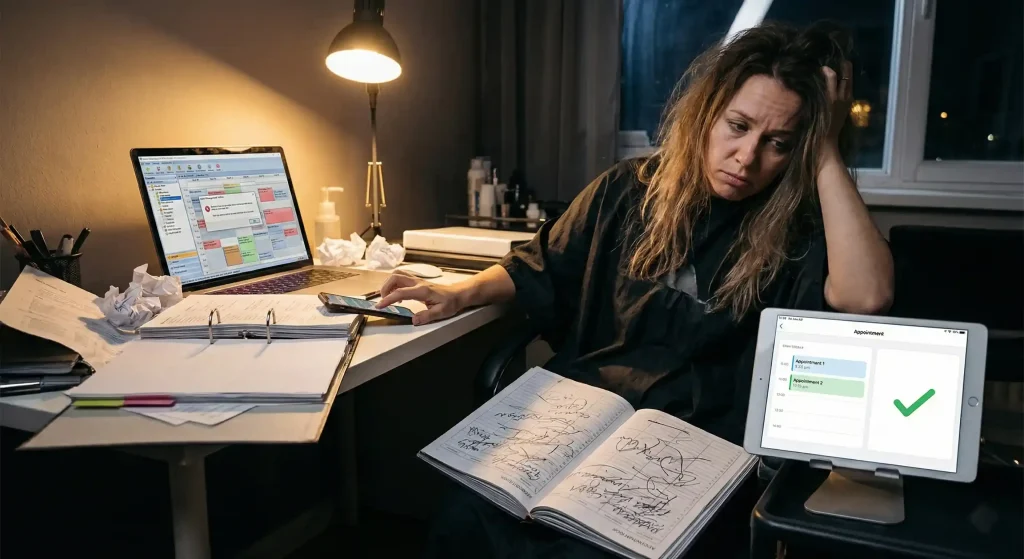
System rollouts in salons rarely fail because of software bugs. More often the problem is ambition: we want to load a hundred services, complicated variants and the entire team straight away, and wire up online payments on top of that. A few hours into the settings, the phone ends up in the corner and the salon goes back to the paper appointment book.
What has to be ready after two days?
After 48 hours, booking simply has to work. You need a clear booking page where a client picks her slot on her own, a schedule with your team’s real working hours, and automatic appointment reminders. Decorative service descriptions or professional photos of every station can wait a few weeks.
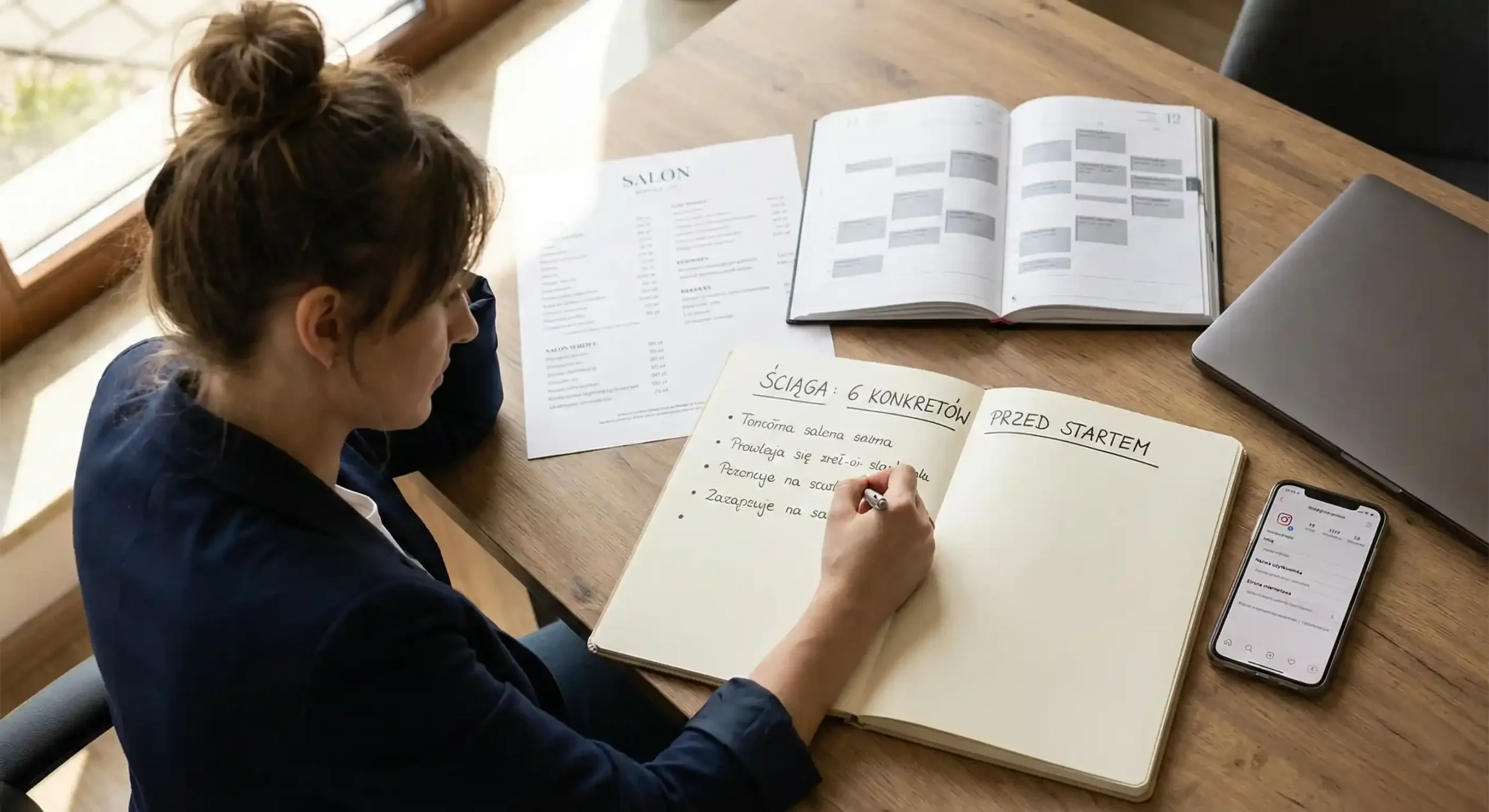
Before you start: prepare six specifics
Before you sit down to the configuration, put together a short cheat sheet. The actual “clicking through” of the settings then goes much faster.
- A list of your 10–15 most popular services: Don’t enter the whole price list; start with what sells most often.
- Realistic duration: Decide right away how much time you need for cleaning up and preparing the station. A 5–10 minute buffer between clients makes the day much easier.
- Price list: Base rates are enough.
- Working hours and holidays: Specific dates and hours, no guessing.
- Cancellation rules: One short sentence, e.g.: “Rescheduling is possible up to 24h before the appointment”.
- Places for links: Get access to your Google and Instagram profiles ready.
If you work in Booksy today, exporting your client list, the migration and cancelling the contract are covered separately in How to switch from Booksy to Terminka.
Day 1: Building the foundations (approx. 3–5 hours of work)
On the first day you set up what clients don’t see yet. When you add services, use the names your clients actually type into search engines. Instead of “Comprehensive reconstruction of the hair structure”, simply write “Care / Regeneration”.
Enter honest durations. If a manicure takes you 75 minutes, don’t enter one hour just because “it looks nicer” in the calendar. Otherwise the delays start and clients end up waiting. Configure the working hours, add breaks and planned holidays. If several people work in your salon, set up your own schedule first as a template, and then copy those settings for the rest of the team.
Next come SMS reminders, which do the most to prevent empty slots. Set a short message 24 hours before the appointment and, if you like, a second one 3 hours before the meeting. At the end of the day run a test: book yourself an appointment from your private phone. Check whether you received the confirmation and whether the slot was saved correctly in the calendar.
Day 2: Going out to people and a real-life test (approx. 2–4 hours of work)
On the second day your booking page becomes the “single source of truth”, the only place you send everyone who is interested. Links online lead straight to your calendar. The salon’s home page or a general social media profile only means more searching for the client.
Add a “Bookings” link to your Google Business Profile. That’s the quickest way to start getting appointments from Maps and search. Then update your Instagram bio, add a highlighted “Booking” story and pin one post with instructions on how to make an appointment.
Finally, test it on a phone. Check on a smartphone whether going from choosing a service to confirming the slot takes less than 90 seconds. If it does, the system is ready. Ask one more person from outside the salon to try booking an appointment. If she has no questions, your clients won’t have any either.
The most common slip-ups worth avoiding
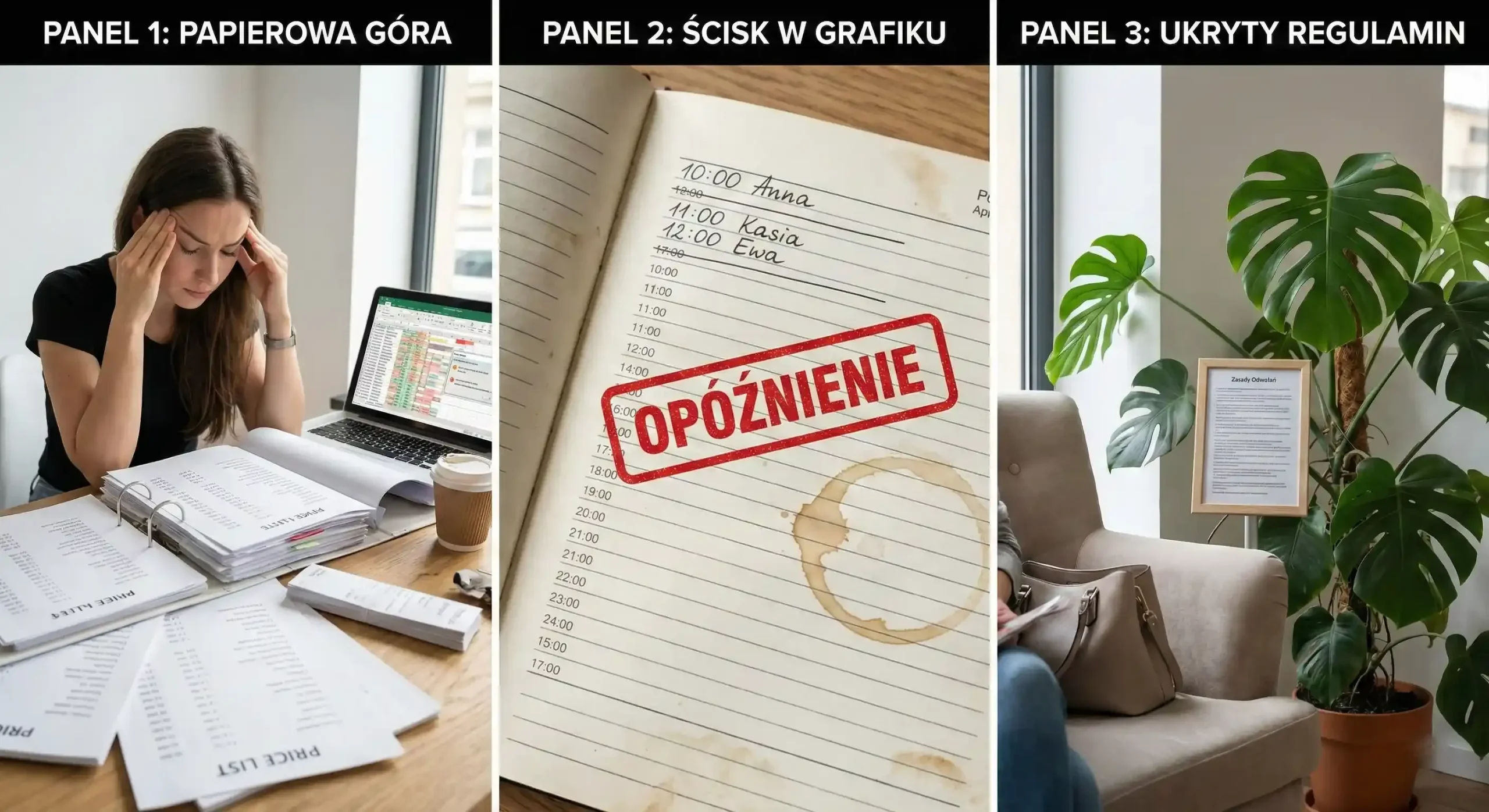
Most often a salon tries to upload its whole complicated price list at once and gets stuck on it for days. The second mistake is skipping the time buffers mentioned above: without them the schedule falls apart the moment the first client is late. Cancellation rules have to be visible too, because nobody reads terms hidden in a menu.
The first week after the launch
Once online booking is running, big campaigns aren’t needed. Check every day whether the service durations add up. Ask a few regular clients to book online “as a test” and add the missing services two or three a day. After seven days, working with the system usually becomes a habit.
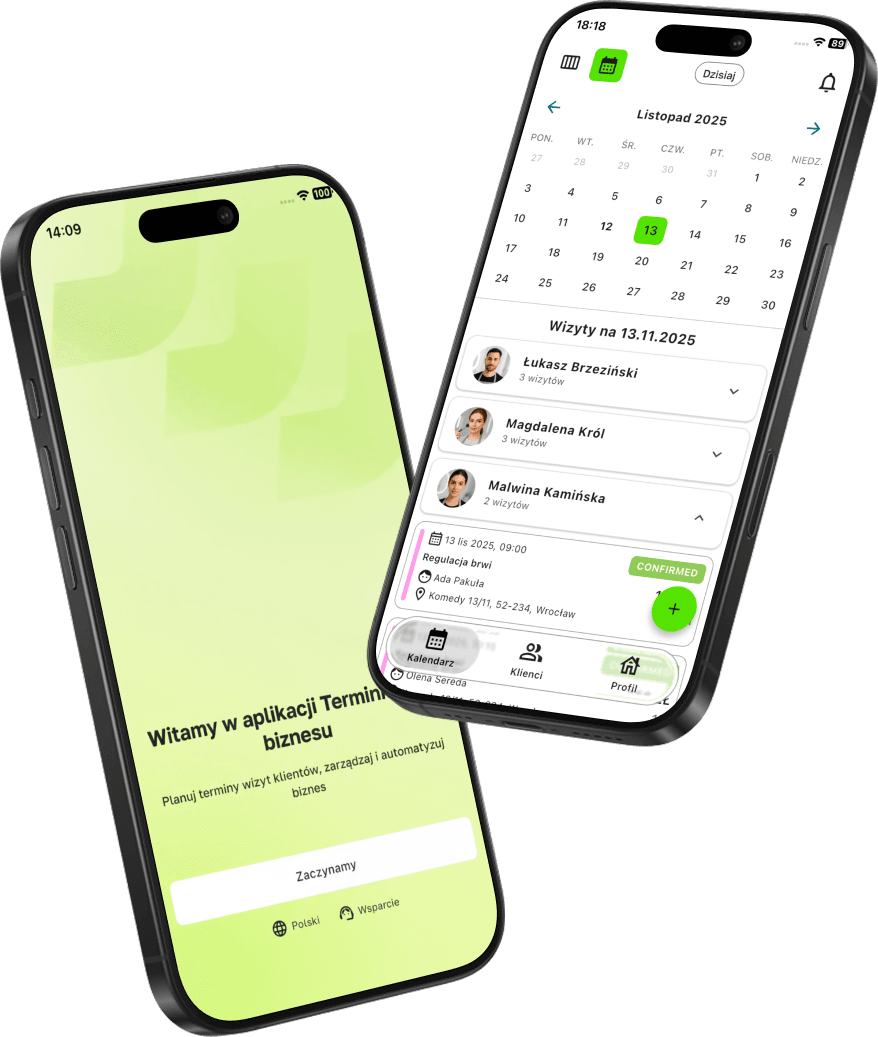
Do you want to switch to online booking without chaos and a week of planning?
In Terminka you can set up your schedule in a single evening, and with the links on Google and Instagram the phone rings less often while you work.
You can test Terminka for 14 days completely free and see the difference for yourself.
We can prepare a short “Day 1” checklist for you, so you know straight away what to click first. Get in touch with us!
