
Instagram is your portfolio, not a free front desk: how to stop saying “DM me” and start taking bookings
Instagram is there to show your work; let a booking system handle the appointments. See how to set up your link in bio, the “Book now” button and your stories so that likes turn into real appointments.
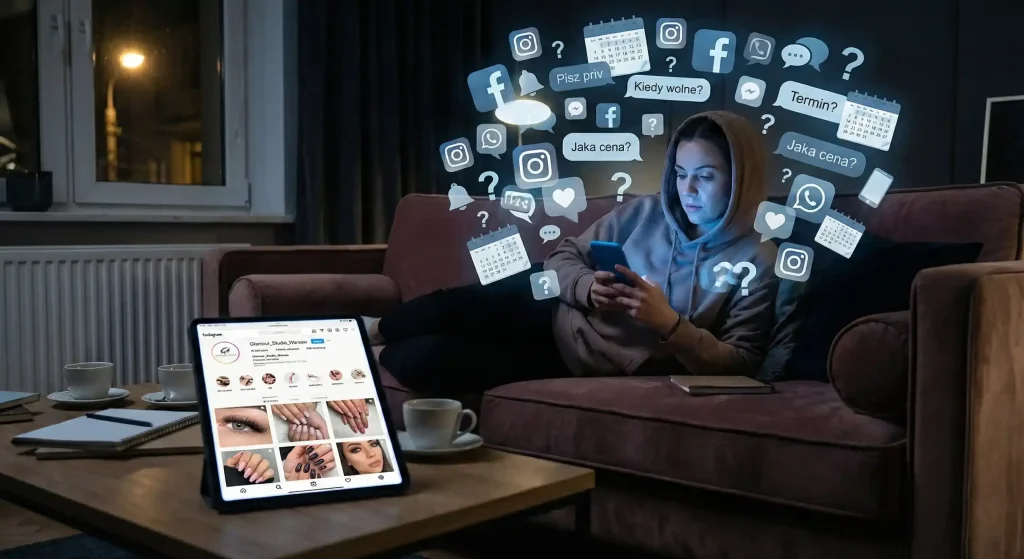
“DM me” was supposed to build relationships. In Polish salons it now eats more time than anything else. In the evening, instead of resting after work, you’re on the sofa with your phone, working out whether Saturday is still possible, explaining why volume lashes cost more than classic, and waiting for the client to decide. The feed looks great; the inbox is a mess.
The app itself is fine. The trouble is that bookings still happen by hand. Instagram is good at bringing in new people and showing your work, but it’s a clumsy place to arrange appointments. You can keep agreeing every visit in messages and lose half the interested people on the way. Or you can set up booking once, so that likes turn into appointments in your calendar.
Why arranging appointments in direct messages simply does not work
Even in a small studio, bookings through DMs soon start to weigh you down. Most of the loss comes from clients changing their minds. The longer the “working it out” and the back-and-forth questions take, the more often the client puts the decision off until later. In beauty, decisions are often made on impulse: someone sees your work and wants the same. If there’s no booking button at hand right then, by the third message she has usually lost interest.
In 2026 most people simply want to see your calendar, pick a time and be done with it, no conversation needed.
Your new plan for Instagram: no more chaos
To get fewer questions about free slots, you need one main route to booking. Everything on your profile should lead to your online schedule.
1. The “Book now” button
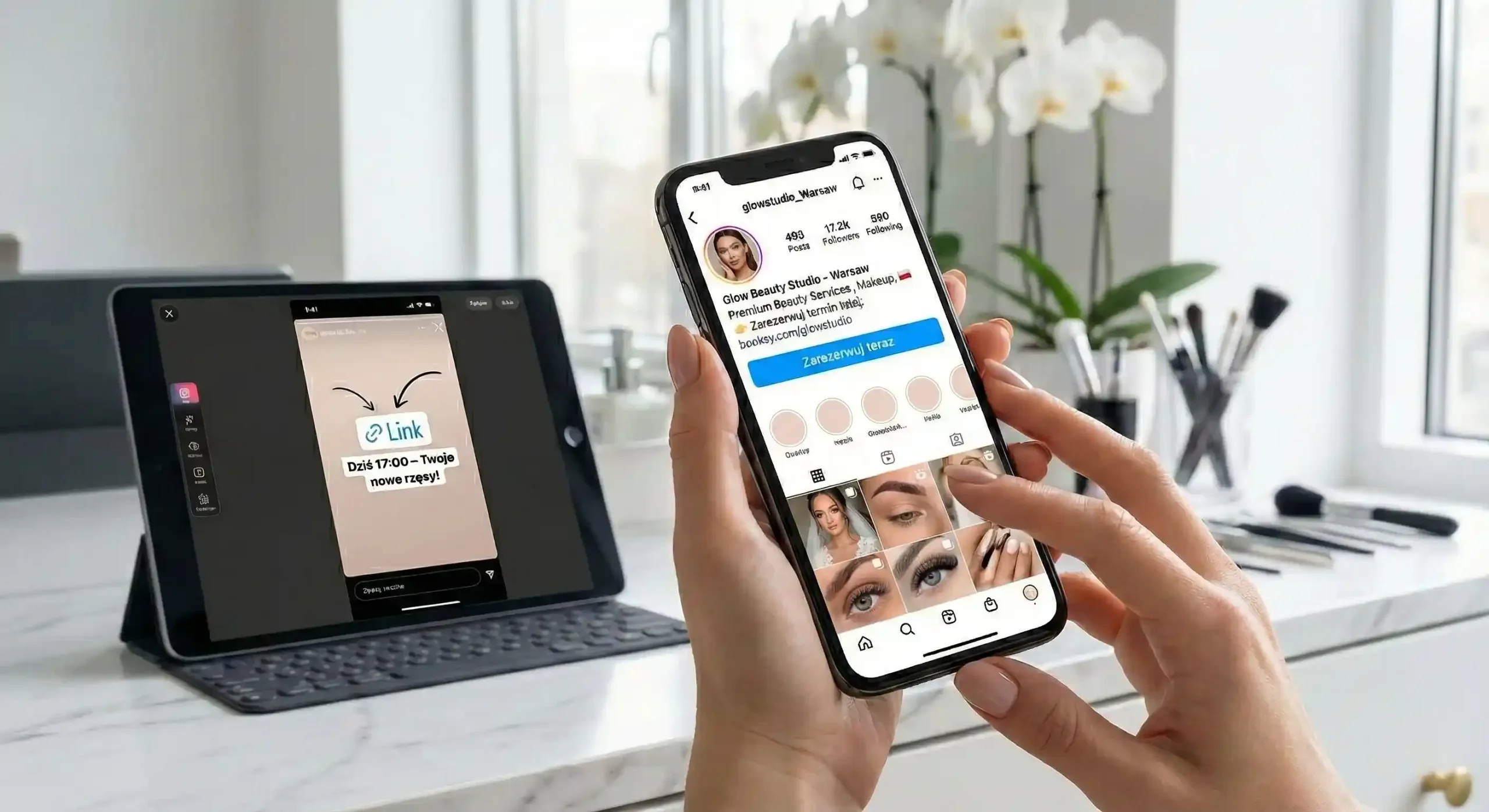
This is the shortest path. Professional Instagram accounts let you add so-called action buttons. If your booking system supports it, hook the “Book now” feature up directly beneath your profile description. The client taps, picks a service and that’s it. If your profile doesn’t have that option yet, a well-labelled link in your bio works just as well.
2. A link in your bio that says “click me”
Instagram currently lets you add up to 5 links in your bio. The first one should be the most important, with a clear label such as “Book your appointment here” or “Free slots – check them out”. Generic labels like “Website” or “Contact” make the client search, and she just wants to book. Below it you can add a price list or a map, but booking must always be right at the very top.
3. Stories that sell appointments
Stories are the easiest place to sell a “right now” slot. If one has just opened up, don’t make people message you. Post a photo, add a link sticker leading straight to a specific day in your calendar and write: “Today 17:00 – the perfect moment for your new lashes!”. Also create a permanent Highlight called “Booking”, where you show in a few steps how easy it is to make an appointment with you.
A pinned post as your round-the-clock front desk
Pin one post at the top of your profile that explains once and for all how booking works at your place. It will save you a lot of questions. It only needs:
- A short list of the services you specialise in.
- Information that you take bookings exclusively through the link in your bio.
- A mention that the system sends SMS reminders on its own.
- A line at the end: “If you need an emergency appointment, message me and we’ll try to help”.
Regular clients will appreciate that side door, but most people will happily book on their own anyway.
“Soft automation”, or a ready-made reply for every message
This needs no technical skills. In your Instagram settings, prepare one “saved reply”. As soon as a “when are you free?” question comes in, one tap sends a ready-made template:
“Hi! Lovely to hear from you. You will find all the free slots and the full price list here: [Your Link]. You can grab a time for yourself right away. See you soon!”
That’s enough to stop running fifteen conversations at once and to send people straight to your schedule.
The most common mistakes that ruin the effect
The most common one is a link in the bio that leads to a homepage, where the booking button has to be found all over again. The second is asking people in your stories to “DM me” when you already have an online system: clients get used to writing instead of booking. Check your booking page on a smartphone as well. If it takes ages to load or is hard to read on a small screen, the client will book somewhere else.
A quick rollout plan (it will take you about half an hour):
- Set up the booking page in your system.
- Put the link as the first item in your Instagram bio.
- Try to add the “Book now” button in the contact options.
- Create a Highlight with simple booking instructions.
- Pin an information post at the very top of your gallery.
After that your phone buzzes less often while you work, and your evenings are yours again.
Do you want your Instagram to finally start delivering bookings without your involvement?
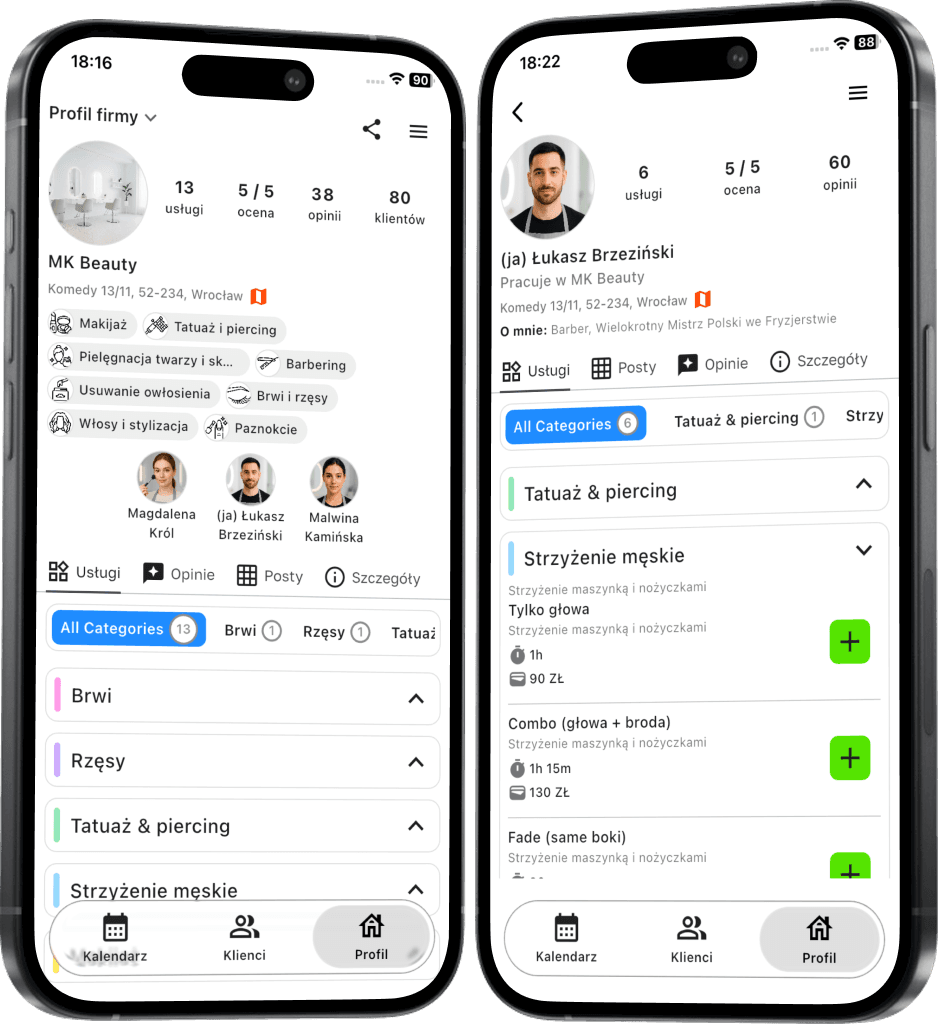
Terminka gives you the booking page and the links for your profile in one place.
See how to get your time and your peace of mind back in your salon. Try Terminka for 14 days completely free.
We can prepare a ready-made “How to book with us” post design for you to put straight onto your profile. Contact us!
