
Google Business Profile: how to turn Maps views into real appointments?
How to turn Google Maps views into real bookings. We will show you how to add a “Bookings” link in your Google Business Profile, what to check on your booking page and how to avoid the mistakes that put clients off.
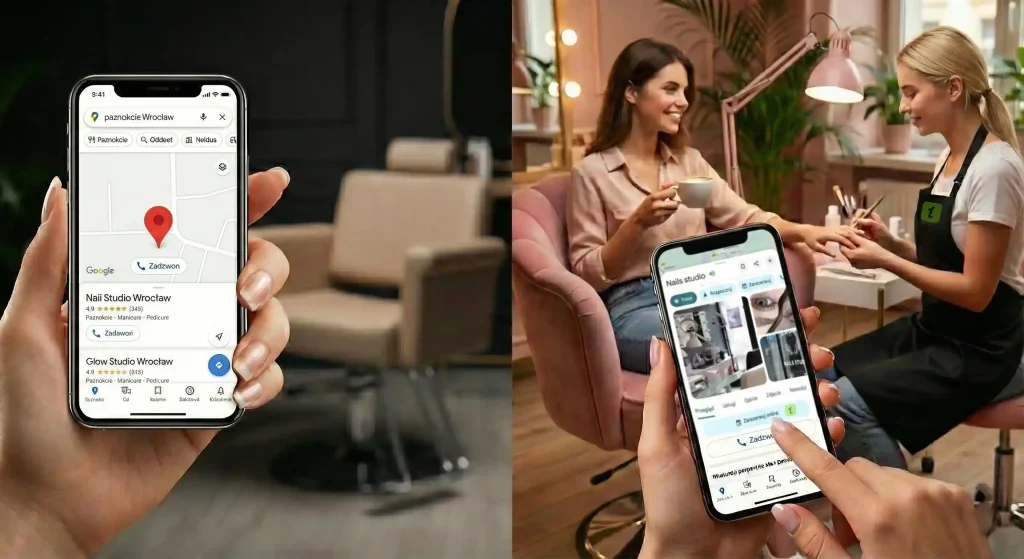
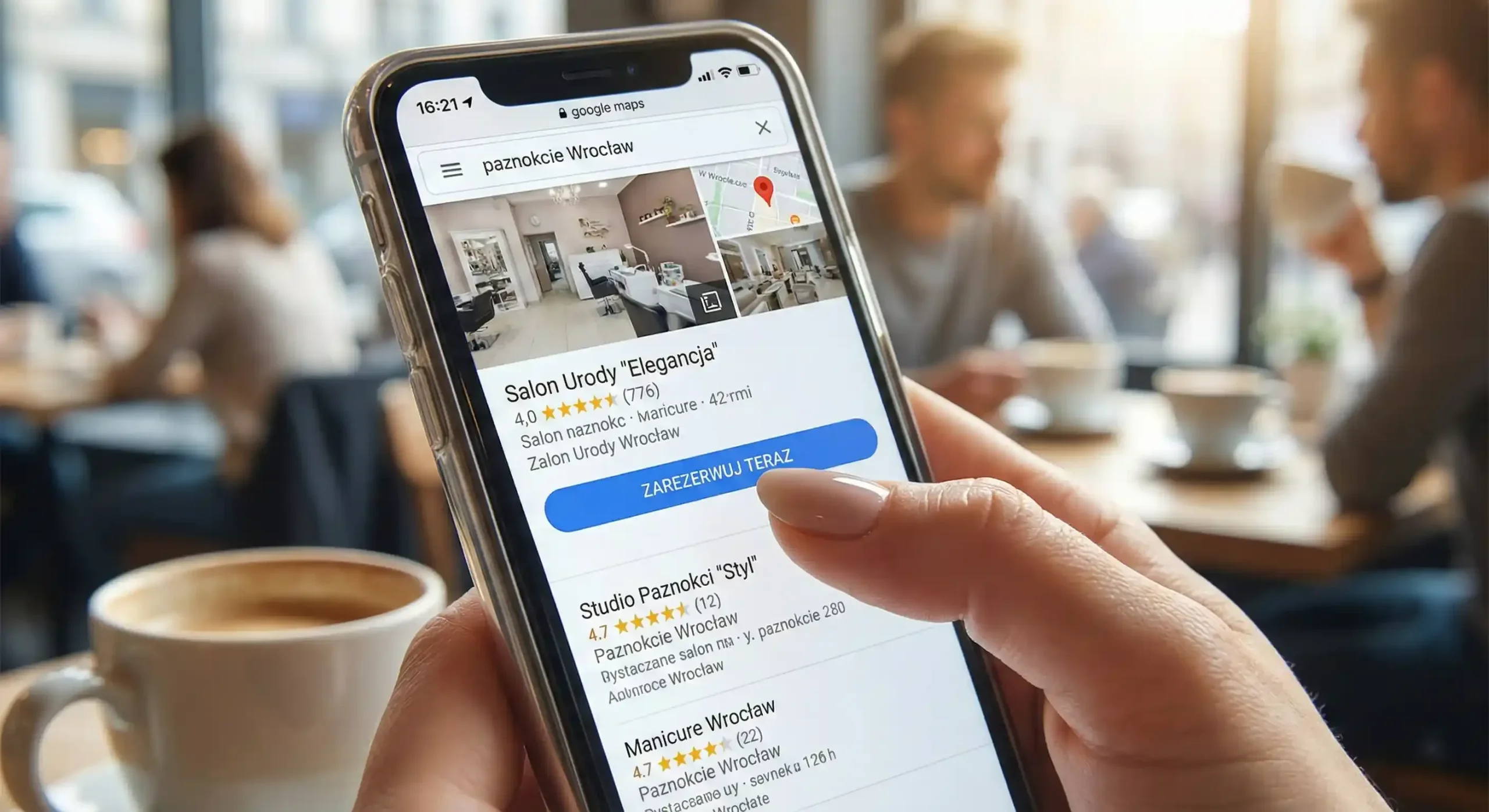
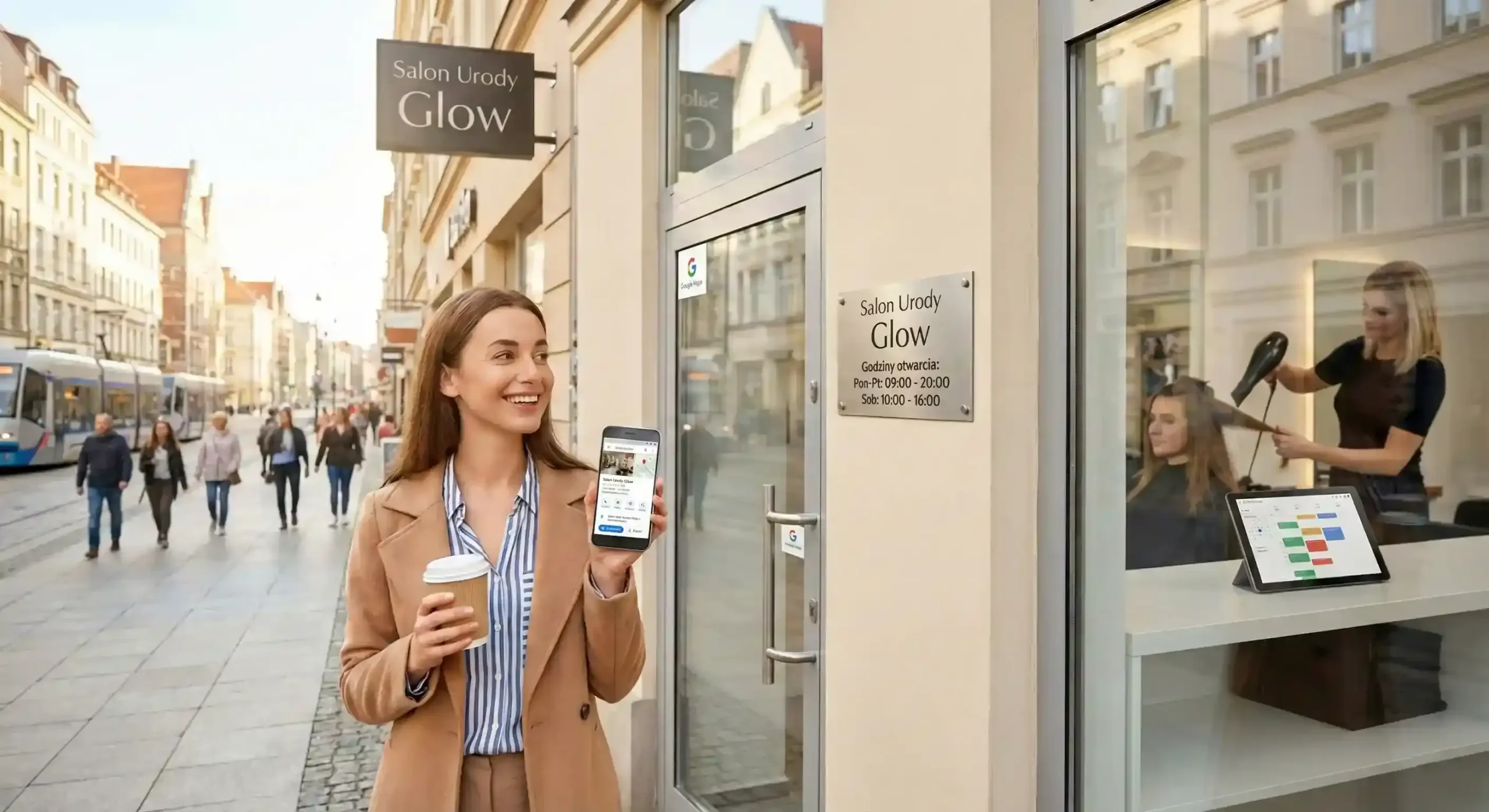
When a new client types “nails Wrocław” or “best barber nearby” into her phone, she often picks a salon within a few seconds, while still looking at the search results. If your profile looks inviting but it isn’t clear how to book, she’ll go where the slot is handed to her on a plate. Every extra step is a chance she’ll give up and close the tab.
A booking button in Google is the simplest way for your salon to be more than “a pretty photo on the map” and fill its own schedule. There are two routes. The first and fastest is adding your own booking link directly in the profile. The second is an integration with an external provider that automatically sends information about your free slots into the Google ecosystem. Most Polish salons start with their own link, and usually rightly so: you decide where the client lands.
Before you start: build the foundations
Before you click anything in the Google panel, make sure your booking page can carry that traffic. A link to a home page where you have to hunt for the “book now” button again is very irritating, so point it straight at your schedule. Check, too, that the page opens quickly on a phone. Most people look for beauty services “on the go”, standing in a queue or waiting for a bus. Ideally, booking takes three steps: choose the service, choose the time slot and confirm.
How to add your own booking link? (Step by step)
A “Booking” link takes a few minutes to add, in one of two ways:
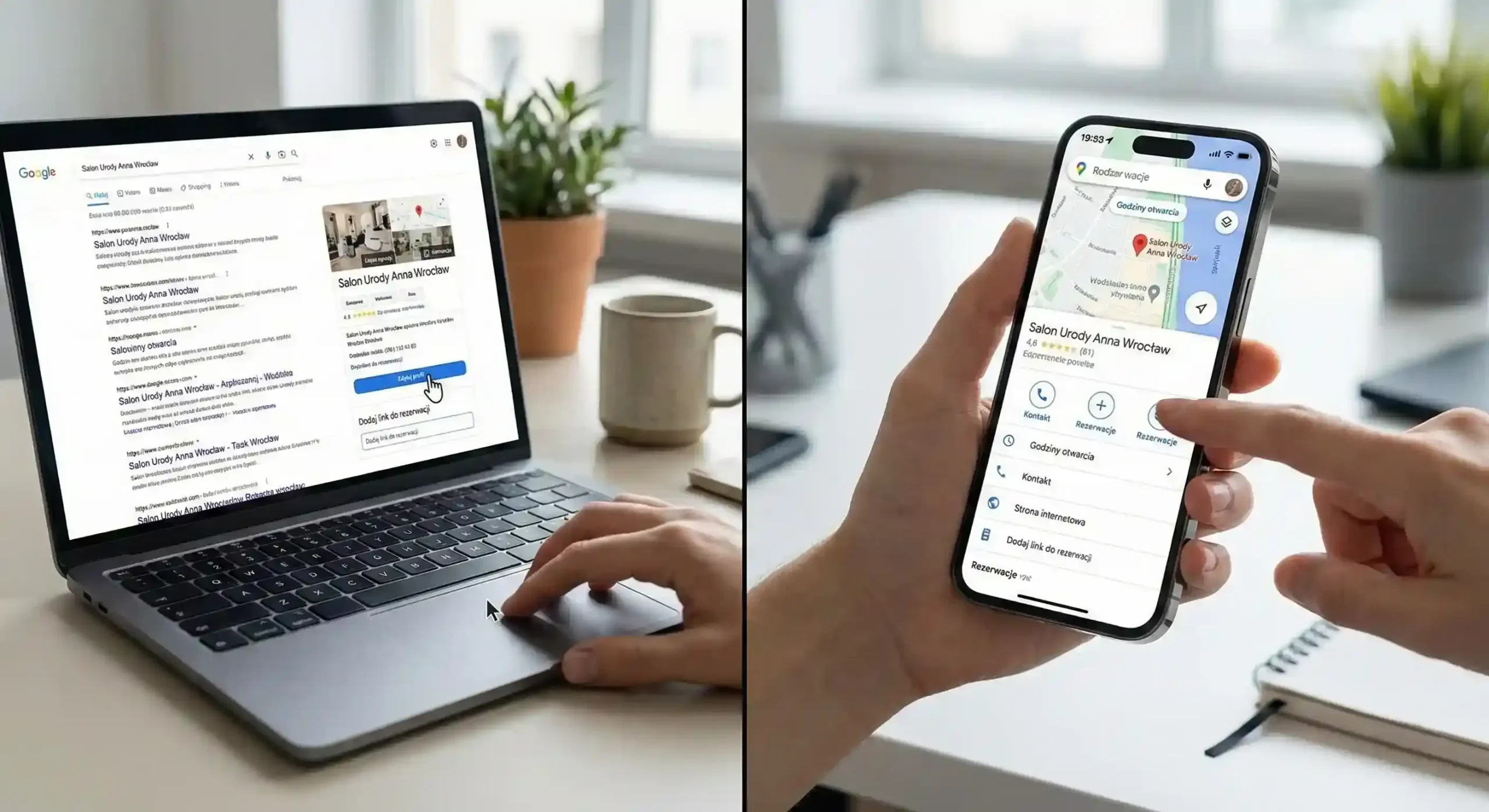
- Through Google Search: Type your business name into the search engine (you have to be logged in to the account that manages the profile). In the panel that appears, look for the option related to bookings or to editing the profile. Pick the function for adding a link, paste the address of your booking page and save the changes.
- Through Google Maps: Open the app on your phone, find your salon and go into profile editing. In the contact section you will find a place for the booking link.
If you run several locations or have separate links for different specialists, Google will let you add more of them. Set the most important one as preferred, because that is the one shown as the main button. Pick the one that shows free slots fastest: the fewer clicks between the client and an appointment, the more bookings you get.
When is an integration with a provider worth it?
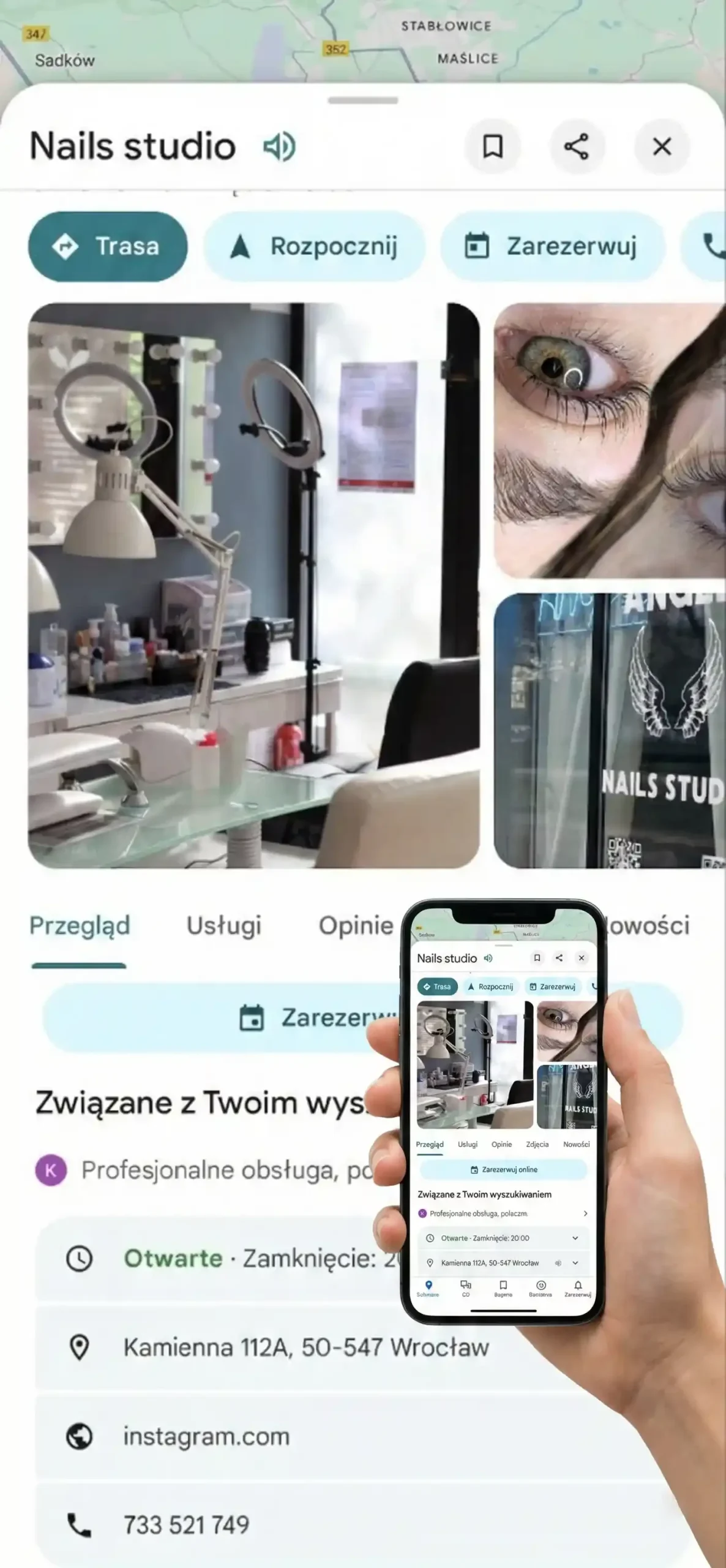
Sometimes you see buttons in business profiles that let you make a booking almost without leaving Google. That happens when your booking system works with Google as an official provider. It makes sense when you care about very precise statistics and want to check how many people actually clicked “book now” directly in Maps. To get started without complicated settings, your own link is quite enough.
The most common mistakes that “kill” bookings
The most common one is information that doesn’t match. A client sees in Google that the salon is open until 20:00, clicks on the booking, and there the last free slot was at 16:00. After that it’s hard to trust the salon. There are also links to pages that no longer exist, or forms that ask for far too many details.
Then there are photos. A Google profile with no fresh work looks like a shop window covered with newspapers, and clients choose a salon by its photos. Once a week, upload a new photo of your best styling or transformation. Over time, people who found you by chance start coming back as regulars.
How to genuinely increase the number of clicks?
Regularity is enough here. Add short updates about the free slots for a given week and make sure that the cancellation policy or the information about deposits is clear already at the booking page level. A client who knows what to expect makes a decision much faster.
The opening hours in Google and in your booking system must match, or there will be misunderstandings. When everything matches, Google brings in clients and you simply get on with the work.
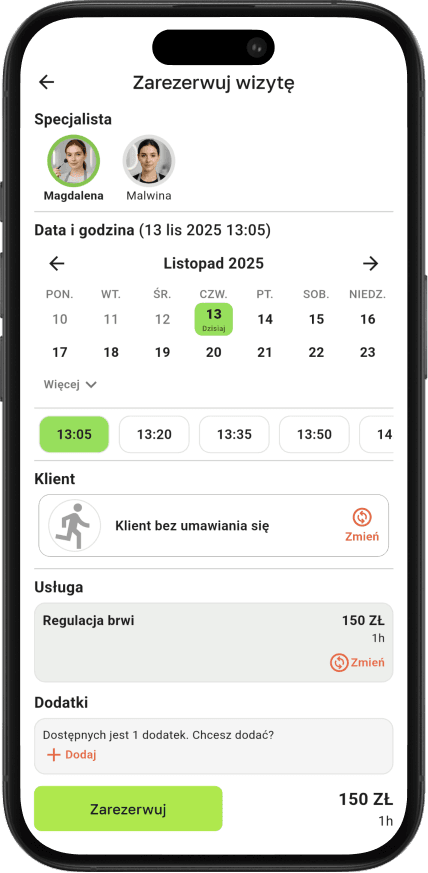
Want clients from Maps and Search to land straight in your calendar?
In Terminka you get a booking link in a few minutes, and it leads straight to your free slots.
Increase the number of bookings from Google and fill the free slots in your schedule. Try Terminka for 14 days completely free.
If you need a short checklist for your Google profile, we’ll prepare one for you. Contact us!
