
How to choose an online booking system in 2026 and not go crazy? A practical guide for the beauty industry
How to choose an online booking system that will genuinely take the weight off salon management in 2026. Concrete selection criteria, costs, typical traps and a 48-hour rollout plan without the chaos.
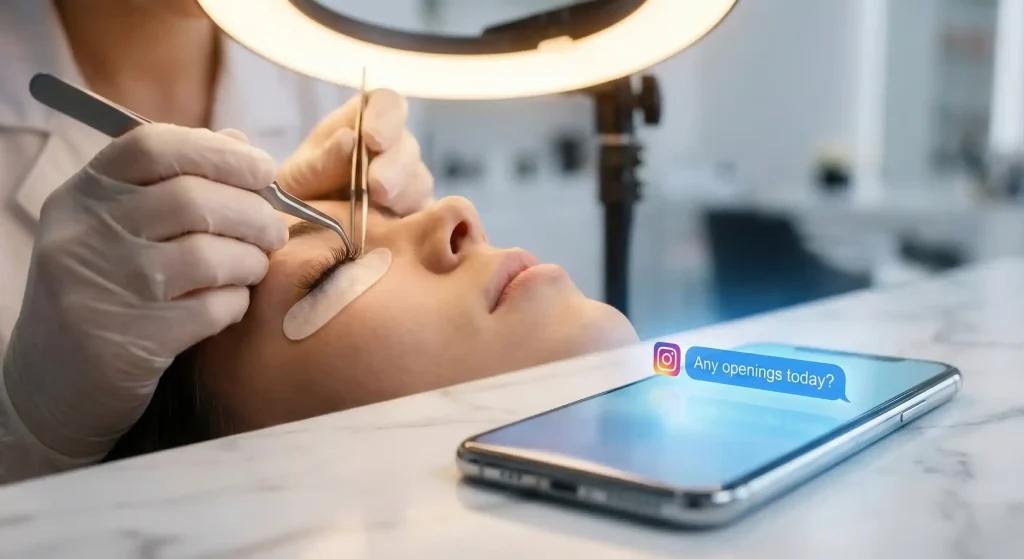
Let’s start with a scene from real life
It’s Tuesday, half past one. You’re doing a lash set or perfecting a flawless manicure, and the phone in your pocket buzzes non-stop. On Instagram the classic question drops in: “Hi, do you have anything today?”. By the time you put down the tweezers and type a reply, a quarter of an hour has gone. The client has already booked with the competition two streets away. There’s no point blaming yourself: you can’t reply in real time during a treatment, and answering every message after hours wears you out fast.
A good online booking system should shorten the client’s path from “I want an appointment” to “I have a confirmed slot”, ideally with no conversation at all. A simple piece of software can handle that logistics.
What is a modern system in practice?
It’s a digital calendar that clients can reach 24 hours a day. They pick the service and a convenient time themselves, and you stay on top of the schedule. You see straight away when you genuinely have free slots, how long a particular haircut will take and where it’s worth adding a buffer for cleaning the station. On top of that come automatic reminders that make sure nobody forgets an appointment. There are fewer afternoons when you wait for a 16:00 client who never comes.
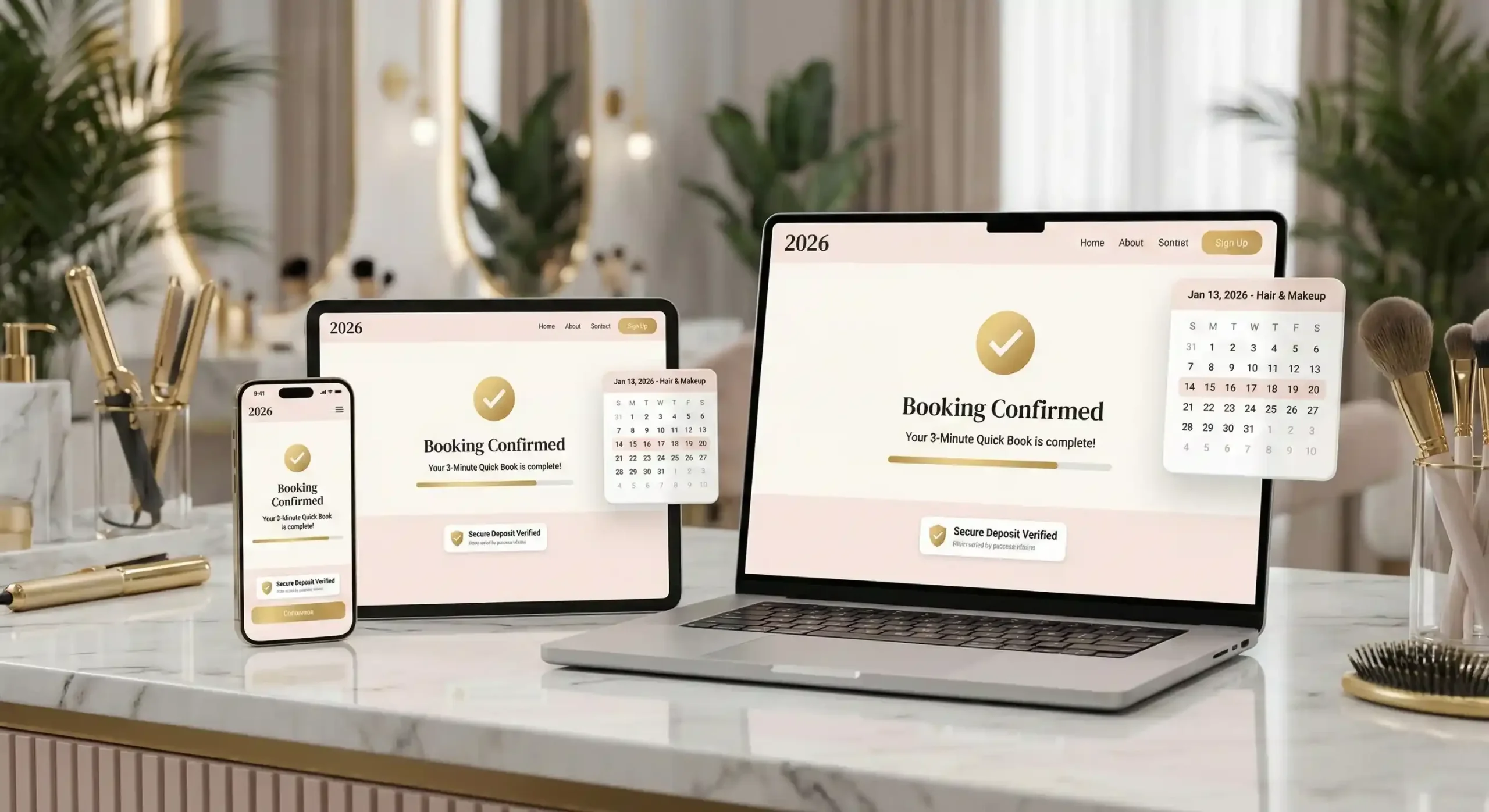
What does a sensible system need in 2026?
There are plenty of offers, so look at the specifics. You need a simple booking page where the client can book in three minutes, a schedule with real availability (holidays and technical breaks included) and SMS or e-mail notifications.
Cancellation rules should be visible before the client confirms the slot. If “forgetful” clients are a problem, choose a system that allows deposits or prepayments. The booking link has to work everywhere: in your Google listing, on Facebook and in your Instagram BIO. Without these basics you’ll just move the mess from a paper notebook onto the internet.
Three models you’ll come across on the Polish market
The simplest systems are a booking page and a schedule. For people working solo that’s usually enough.
When your team grows, though, you’ll need something more: roles for staff members and advanced reports.
There are also the big portals with directories of specialists. They’re tempting, because they promise new clients, but they often come with high commissions and less control over your own client base.
My advice:
If most enquiries now come in through private messages and phone calls, first choose a system that sorts out the day-to-day work. You can add a directory later, when you want to grow.
10 questions that will save your budget and your nerves
Before you sign anything, go through this list. It saves you from unpleasant surprises a month in:
- Can the client book an appointment without creating an account?
- Can you easily set breaks and clean-up time in the schedule?
- Do different service variants (e.g. hybrid vs gel) have separate durations and prices?
- Do the SMS reminders sound natural, and can you edit them however you like?
- Are the cancellation rules visible at first glance?
- Can you switch prepayment on only for the most expensive treatments?
- Can you drop the booking link into Instagram without any trouble?
- Will the system cope with the schedules of several staff members at once?
- What are the real extra costs for SMS messages and payments?
- If something goes wrong, will you get help from a living human being, or just a link to the manual?
If you get evasive answers to most of them, keep looking. In 2026 a system should make the work easier without adding technical problems.
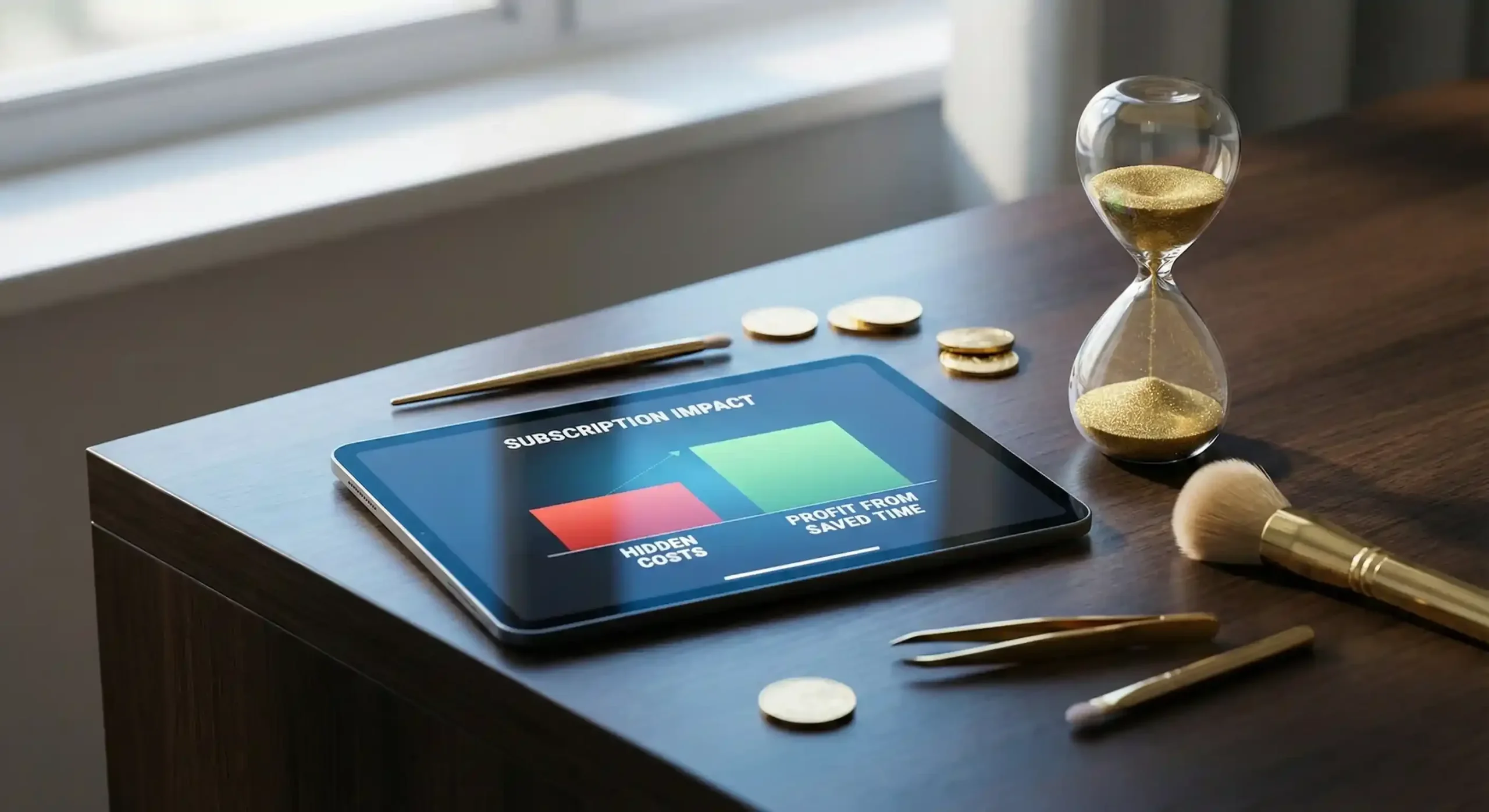
Costs are not just the subscription
A low monthly price is tempting, but check the details. Work out how much you’ll pay for every SMS sent, and whether the price jumps once you hire someone new. The easiest way to judge whether it pays off: count how many hours a week you spend on the phone. If the system wins back even two of them, at beauty industry rates it pays for itself very quickly.
A 48-hour rollout plan (stress-free)
Don’t move your entire archive from the last five years straight away. The basics are enough to start.
Day 1: Foundations
Enter your 10–15 most popular services. Set their realistic duration and add a margin for error. Configure your working hours, enter planned holidays and prepare a short note on how and when an appointment can be cancelled. Finally, set up the confirmation the client will receive.
Day 2: Launch and tests
From now on the booking link is the main way to book. Add it on Google and on your social media profiles. Then pick up your phone and try to book an appointment with yourself. Ask someone close to you to do the same. If the whole process takes less than a minute and raises no doubts, you’re ready to work.
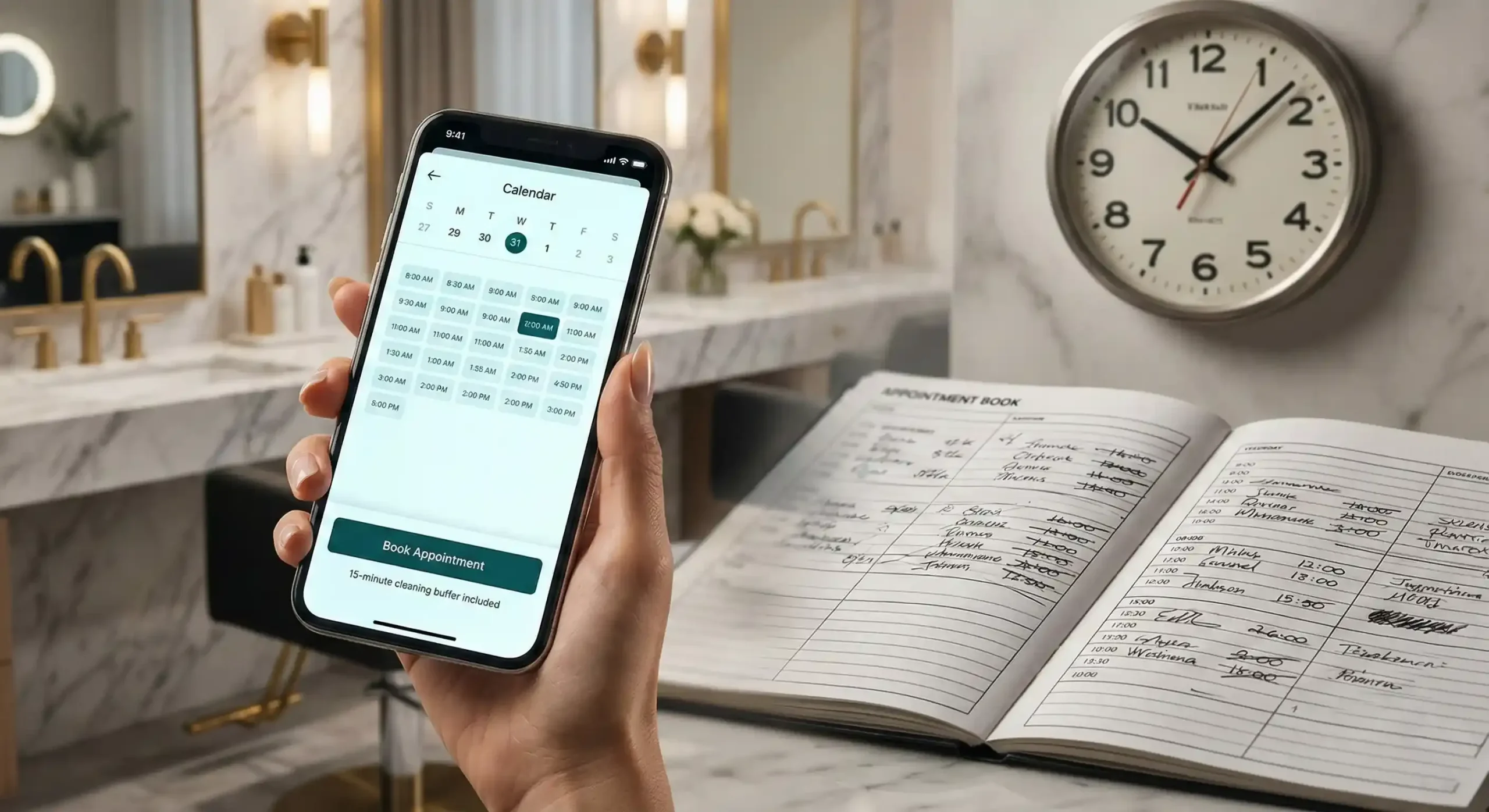
The most common mistakes at the start
Most often a salon tries to load its entire price list into the system at once. The setup then drags on for weeks and the rollout gets put off “until never”. The second mistake is having no time buffers. A schedule packed “to the brim” looks great only until the first client runs late.
Watch out for chaos in your links as well. If a client lands on your website one time, on Facebook another time, and on an out-of-date form the next, they’ll get lost. One booking link is enough. Check it on a smartphone too, because that’s where 90% of bookings in the beauty industry happen.
What to watch in the first month?
Once a week, check how many appointments came in through the internet and whether the number of people who didn’t show up for their treatment has dropped. After 30 days you’ll know whether your clients have taken to this way of booking and whether the gaps in your schedule are filling up more efficiently.
Why Terminka?
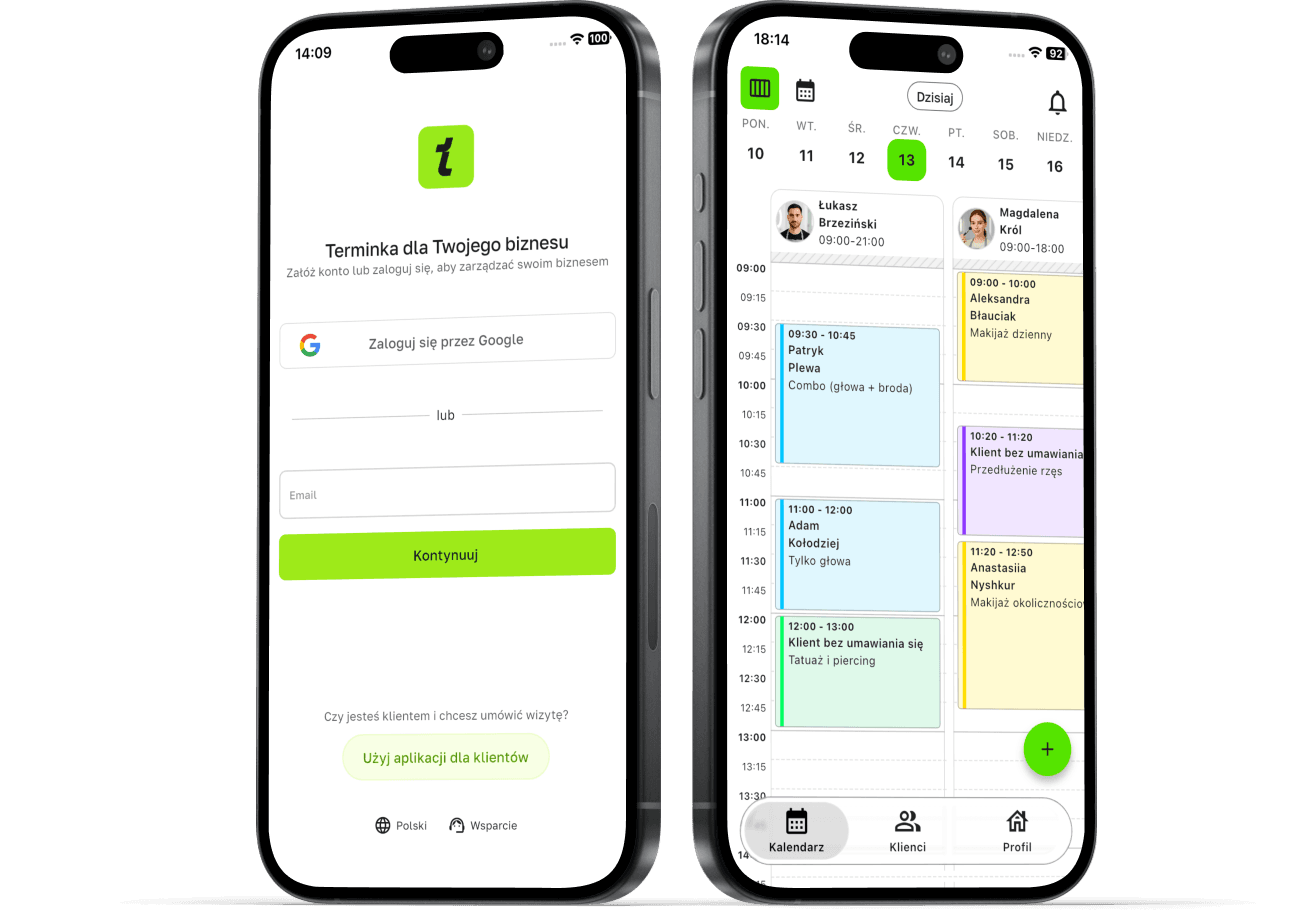
We build Terminka for salons that want to spend less time arranging appointments. It has a simple booking path, a team schedule and cancellation rules the client sees before booking.
See what work is like when the phone doesn’t ring in the middle of a treatment. You can test Terminka for 14 days completely free and see the difference first-hand.
