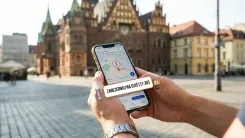
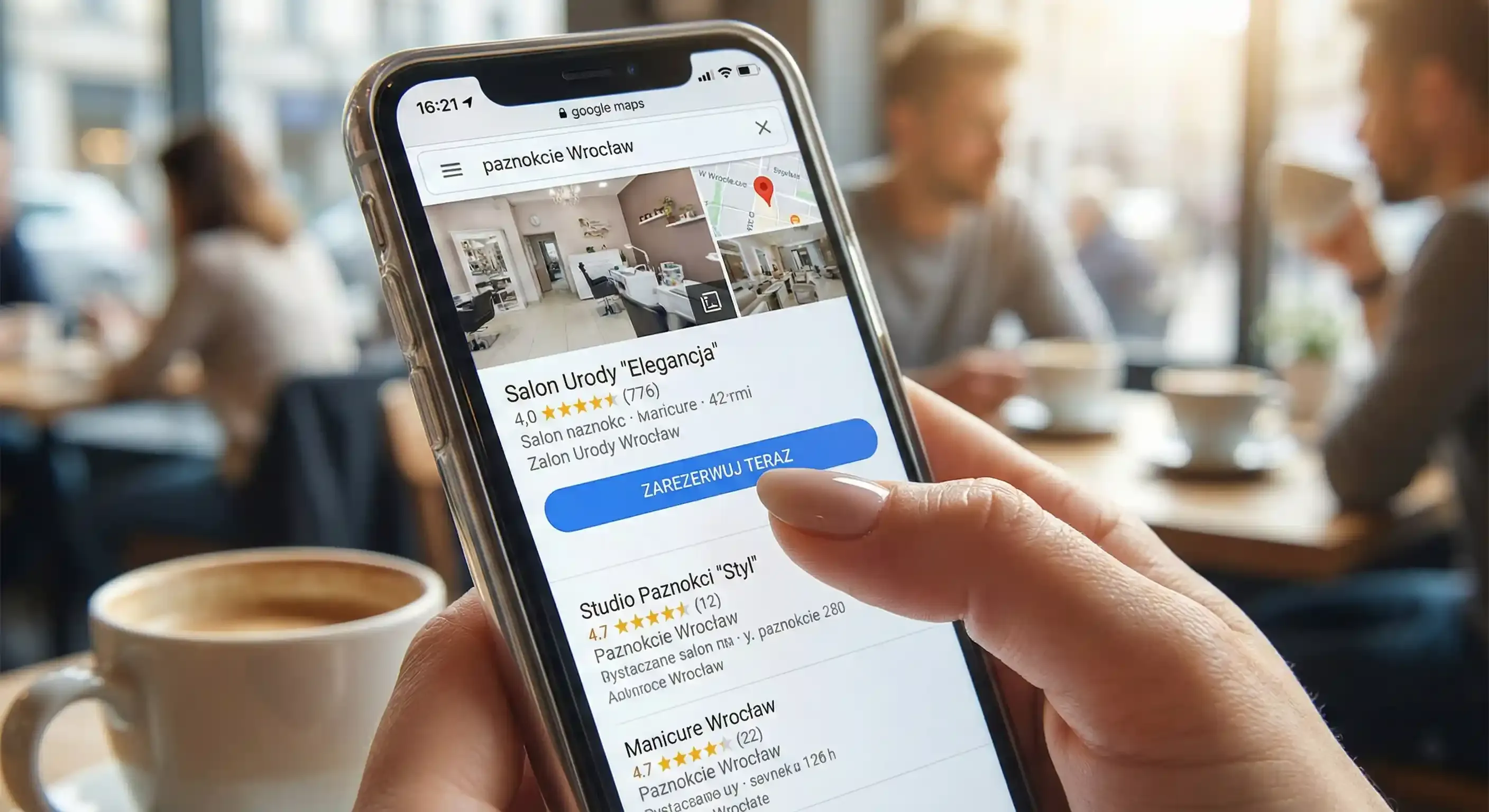
When a potential client types "nails London" or "best barber near me" into their phone, they aren't just browsing - they are ready to spend. In those few seconds of scrolling, you either grab their attention or lose the booking to the competition. If your profile looks inviting but lacks a clear path to schedule an appointment, that client will head straight to a salon that offers them a slot on a silver platter. Convenience is the currency of 2026, and every extra click a user has to make is a risk they'll close the tab and move on.
Implementing a booking button on your Google Business Profile is the fastest way to stop being just a "pretty picture on a map" and start being a business that fills its own schedule. You generally have two paths here. The first is adding your own direct booking link to your profile. The second is integrating with a provider that syncs your availability directly with the Google ecosystem. For most beauty professionals, your own link is the best move - it keeps you in total control of the client journey from start to finish.
Before you start: Lay the groundwork
Before you touch your Google settings, make sure your booking page is ready for the spotlight. There is nothing more frustrating for a client than clicking "Book" only to be dumped onto a generic homepage where they have to hunt for the button all over again. Your link should lead directly to your live calendar.
Crucially, check how that page feels on a smartphone. Most people search for beauty services "on the go" - while commuting or grabbing a coffee. If a client can't secure their spot in three simple steps (select service, pick a time, and confirm), you are leaving money on the table.
How to add your own booking link (Step-by-step)
Adding a "Booking" link is incredibly simple and will take you less time than mixing a bowl of color. You can manage this through two main channels:
-
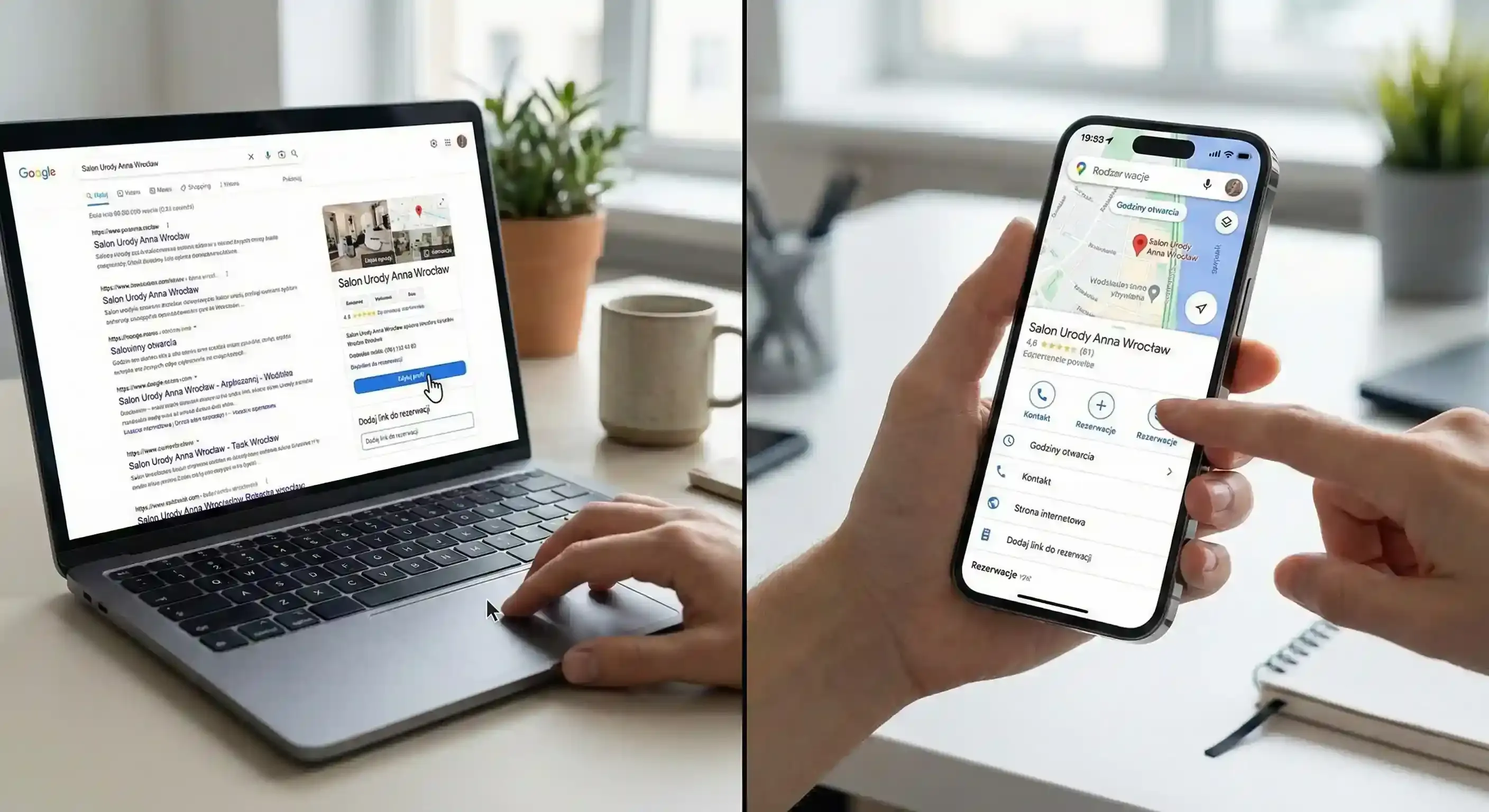
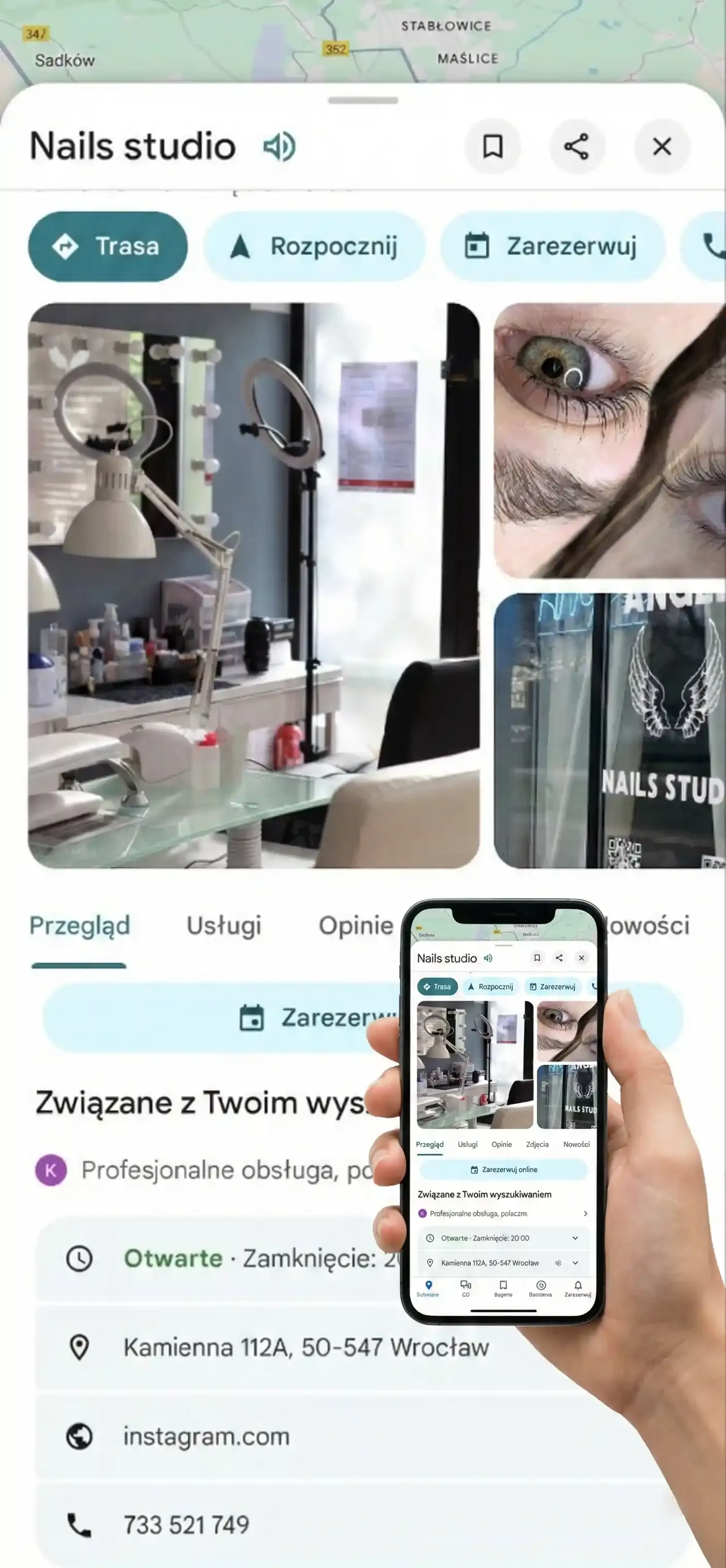
Via Google Search: Type your business name into the search bar (make sure you're logged into the account that manages the profile). In the management panel, look for "Edit Profile" or the "Booking" icon. Paste your URL into the designated field and save.
-
Via Google Maps: Open the app, find your salon, and select "Edit Profile." In the contact section, you’ll find a dedicated field for your booking link.
If you manage a large team or have separate links for specific specialists, Google allows you to add more than one. However, make sure your primary booking page is set as the "Preferred" option. This is the link that will be featured most prominently. The fewer hoops a client has to jump through to see your availability, the faster your chair fills up.
When should you consider provider integration?
You might have noticed some profiles allow bookings without the client ever leaving the Google app. This happens when your software acts as an official Google provider (often called "Reserve with Google"). This is a great option if you want deep analytics and want to track every single conversion within Maps. But if you're looking for immediate results without a complex technical setup, a direct link to your online calendar is more than enough to get the job done.
Common mistakes that kill your conversions
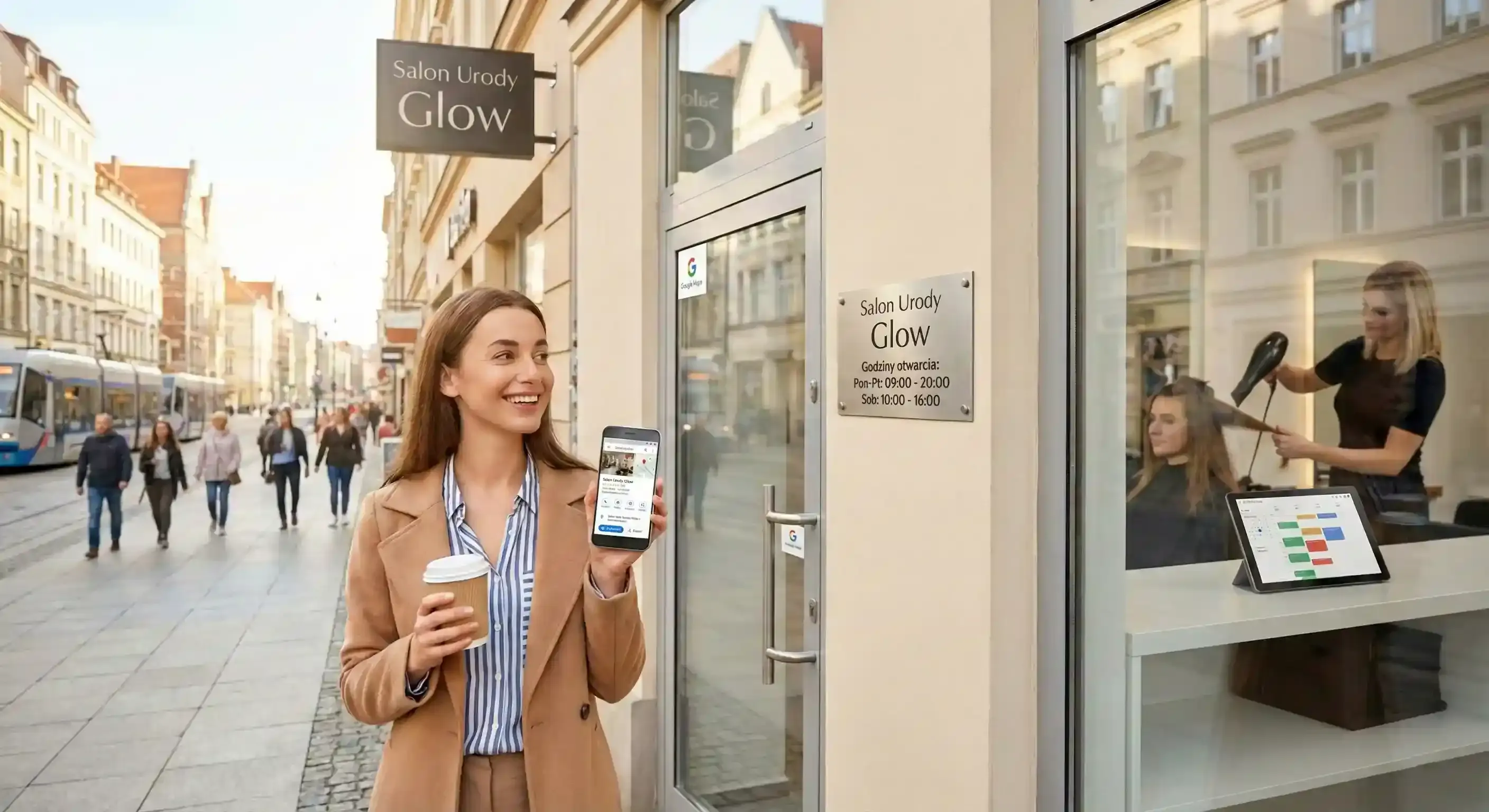
The biggest conversion-killer is inconsistent information. If a client sees on Google that you're open until 8:00 PM, but clicks the link to find your last slot is at 4:00 PM, it creates instant distrust. It makes the business look unorganized.
Another classic error is using links that lead to "dead" pages or outdated forms that ask for too much personal data upfront. Keep it lean. Also, never underestimate the power of your gallery. A Google profile without fresh work is like a salon window covered in old newspapers. People buy with their eyes; the booking is just the final handshake. Try to upload one high-quality photo of your best transformation every week to keep the algorithm (and your clients) happy.
How to actually increase your click-through rate
You don't need to be a marketing guru to make your profile work harder; you just need consistency. Update your profile regularly with news about last-minute openings for the weekend. Ensure your cancellation policies or deposit requirements are clear right on the booking page so there are no surprises.
When your Google hours and your booking system are perfectly synced, Google becomes your most hardworking assistant. It brings clients straight to your door while you focus on your craft.
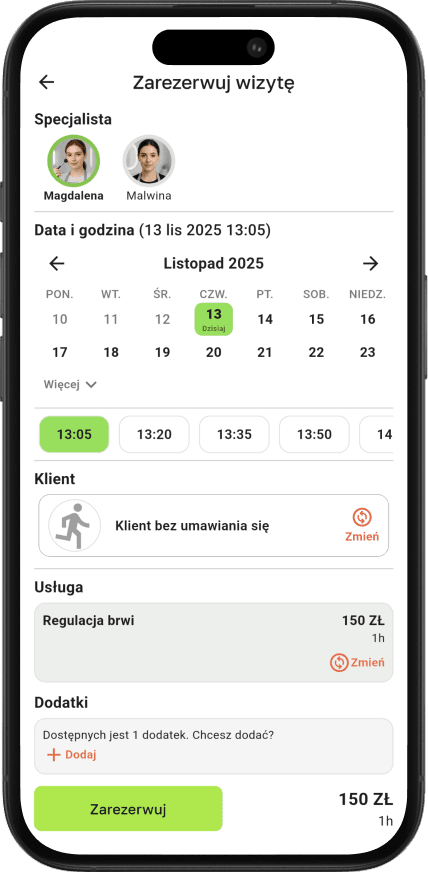
Want clients from Maps and Search to land directly in your calendar?
With Terminka, you can set up a professional booking link in minutes, directing traffic straight to your real-time availability.
Stop losing leads and start filling the gaps in your schedule. Test Terminka for 14 days completely free.
Would you like us to put together a quick 5-point checklist to audit your Google Business Profile for maximum visibility? Just contact us!