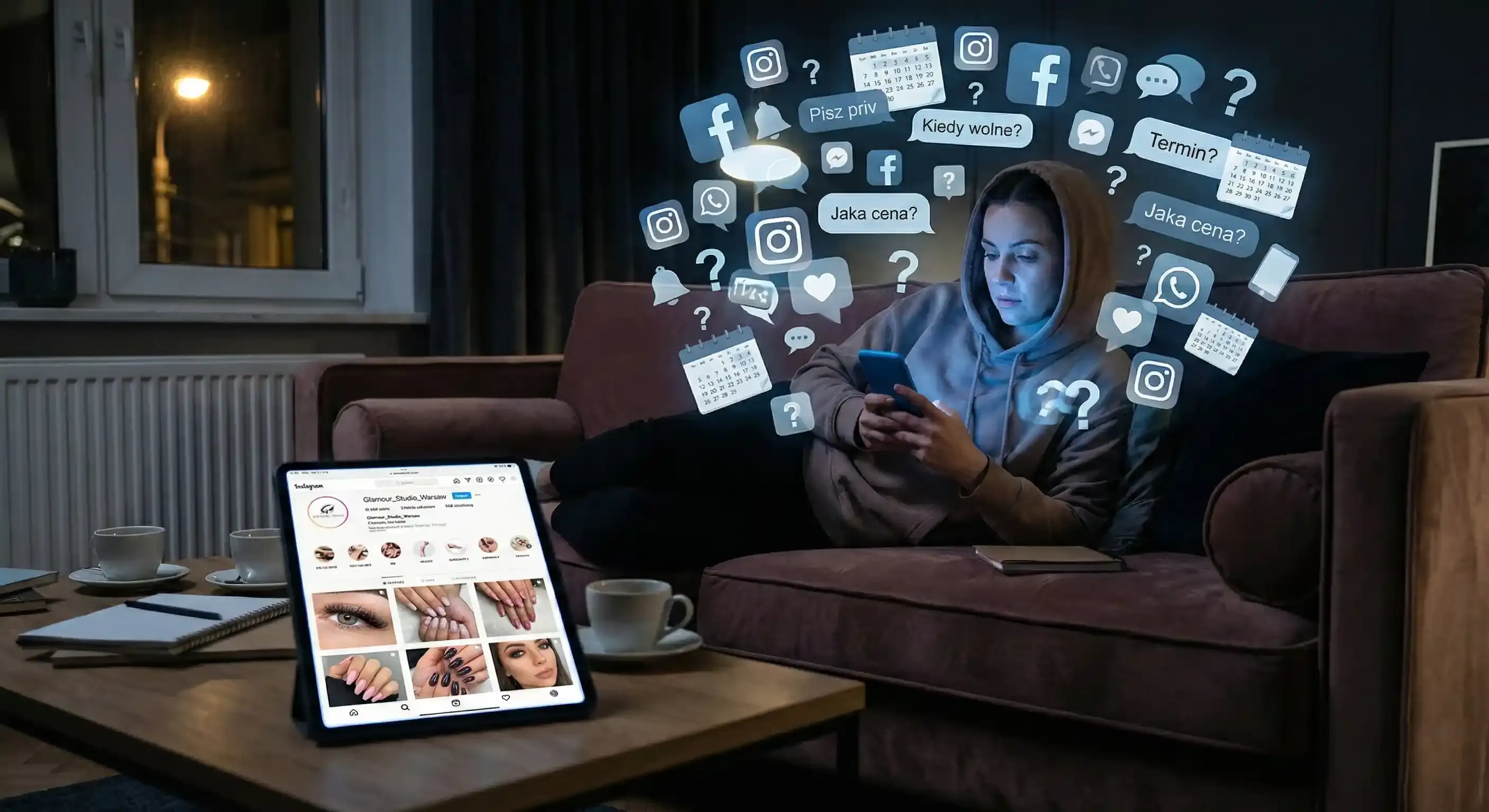
"DM for info" - this short phrase was supposed to build relationships, but in practice, it has become the biggest time-thief for modern salons. Instead of focusing on stunning transformations or relaxing after a back-to-back shift, you end up stuck on the couch at night with your phone in hand. You find yourself haggling over a Saturday morning slot, explaining the price difference between classic and volume sets for the tenth time, and praying the client finally makes a decision. Your Instagram feed looks like a million bucks, but your inbox is pure chaos.
The problem isn't the app itself; it's a process stuck in the past. Instagram should be your best storefront and a high-performing growth engine, not an unpaid administrative role that keeps you working long after the salon doors have closed. You can keep manually typing out every appointment and losing half your leads to the "seen" zone, or you can set up a workflow that turns likes into confirmed calendar dates while you sleep.
Why booking via DM simply doesn't work
Even for boutique studios, handling bookings through DMs quickly becomes a burden. The biggest issue is losing potential clients during the "back and forth." In the beauty industry, booking is often an impulse - someone sees your work and wants those results immediately. If they don't see a clear "Book Now" button at that exact moment, their excitement (and your revenue) evaporates by the third message.
The reality is that in 2026, clients value their time as much as you value yours. They want to see your availability, pick a time that fits their schedule, and get it done without the small talk or waiting three hours for a reply.
Your new Instagram plan: Ending the chaos
To stop the flood of "are you free?" questions, you need to create one primary route for your clients. Every road on your profile should lead directly to your online calendar.
1. The "Book Now" Button
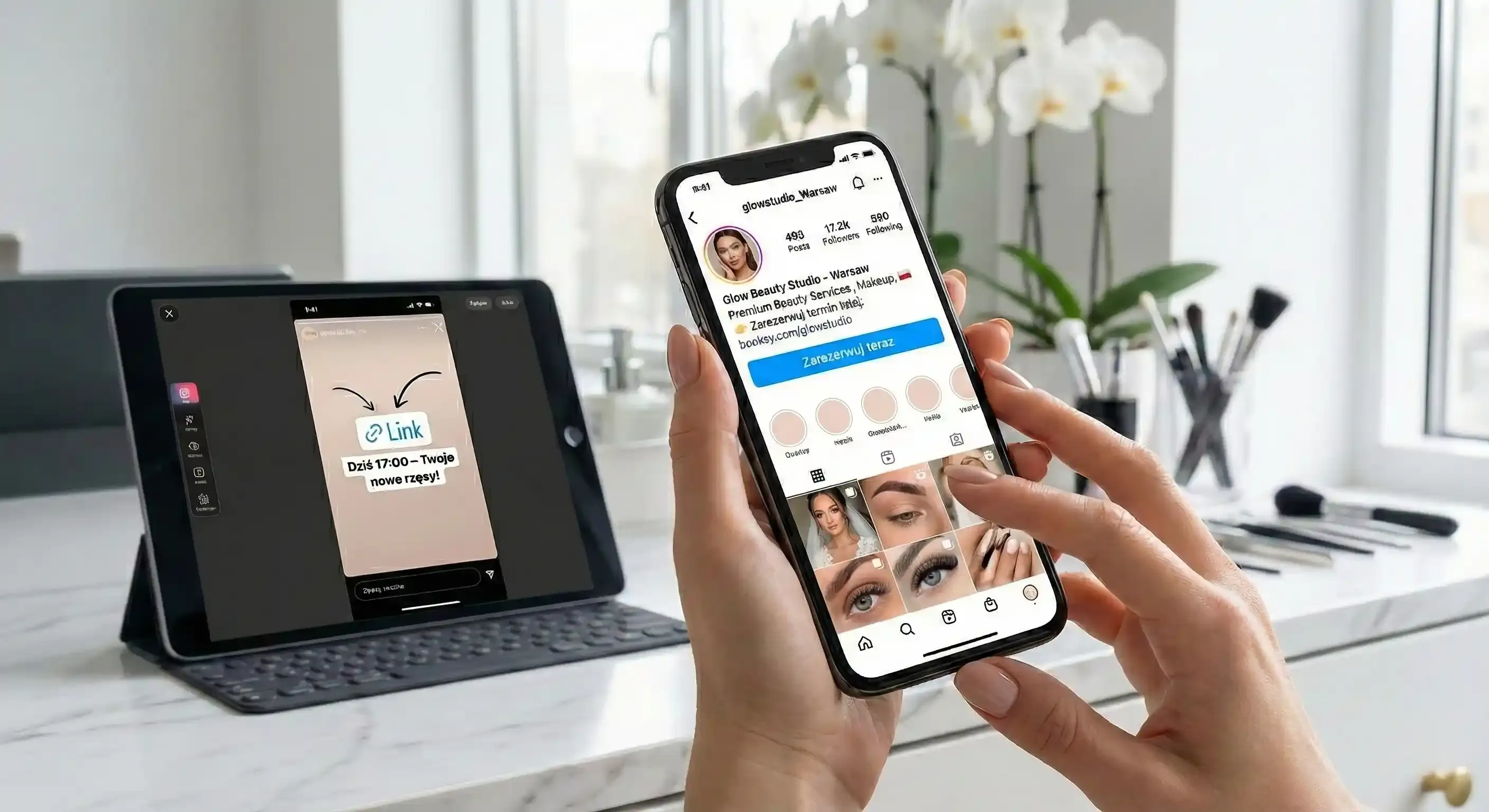
This is the ultimate shortcut for any professional account. If your booking system supports it, integrate the "Book Now" feature directly below your profile description. The client clicks, picks a service, and they are done. If your profile doesn't have this option yet - don't worry. A solid, well-labeled link in your bio works just as well to capture those leads.
2. A Link in Bio that actually converts
Instagram now allows you to add up to 5 links in your description. Use this space wisely, but keep it organized. The first link must be the most important one. Give it a clear name like "Book Your Appointment Here" or "Check Current Openings." Avoid vague labels like "Website" or "Contact." Clients don't want to go on a scavenger hunt; they want to see your schedule. You can add a price list or a map below it, but the booking link must always stay at the top.
3. Stories that fill your gaps
This is where real-time sales happen. If you have a last-minute opening due to a cancellation, don't just ask people to DM you. Post a photo of your best work, add a link sticker leading directly to that specific day in your calendar, and write: "Today at 5:00 PM - the perfect time for your new lashes!" We also recommend creating a permanent Highlight named "How to Book" where you show a quick screen-recording of how easy it is to schedule a visit.
The Pinned Post: Your 24/7 reception desk
Pin one post to the top of your profile that once and for all explains how your booking process works. This post acts as a digital receptionist, saving you hours of repetitive typing. It should be concise and direct. Include a short list of your signature services, a clear statement that you only accept bookings via the link in your bio, and a mention that your system automatically sends SMS reminders.
Adding a small "escape hatch" for regular clients is a nice touch - something like: "If you need an emergency 'rescue' appointment, send a message and we'll see if we can squeeze you in." You will find that once the system is in place, the vast majority of clients are more than happy to use self-service booking.
"Soft Automation" - the template for every message
You don't need to be a tech wizard to make your life easier. Set up a "Saved Reply" (or Quick Reply) in your Instagram settings. As soon as a message drops asking about your availability, you can send a friendly, professional response with one click:
"Hi! I'd love to see you in the chair. You can check all my available times and the full price list right here: [Your Link]. You can grab a spot for yourself in seconds. See you soon!"
This is all it takes to stop managing fifteen conversations at once and direct traffic where the magic happens - straight into your schedule.
Common mistakes that kill your conversion
Many salon owners unknowingly throw hurdles in their clients' paths. The biggest mistake is using a link in bio that leads to a general homepage where the client has to hunt for the booking button all over again. Every extra click is a chance for them to change their mind.
Another trap is telling people to "DM to book" in your Stories when you already have an online system - this just trains clients to keep using inefficient habits. Finally, always test your booking link on a smartphone. If the page takes too long to load or looks messy on a small screen, your client will likely head to the competition.
Quick implementation plan (takes about 30 minutes):
-
Sync your booking page with your latest service list and prices.
-
Place your booking link as the very first item in your Instagram bio.
-
Add the "Book Now" button in your Instagram contact options if available.
-
Create a Highlight with a 15-second "how-to" on using your booking link.
-
Pin an informative "Welcome" post to the top of your gallery explaining the new process.
After these few steps, you will feel an immediate sense of relief. Your phone will vibrate less during your downtime, and you will finally get your evenings back.
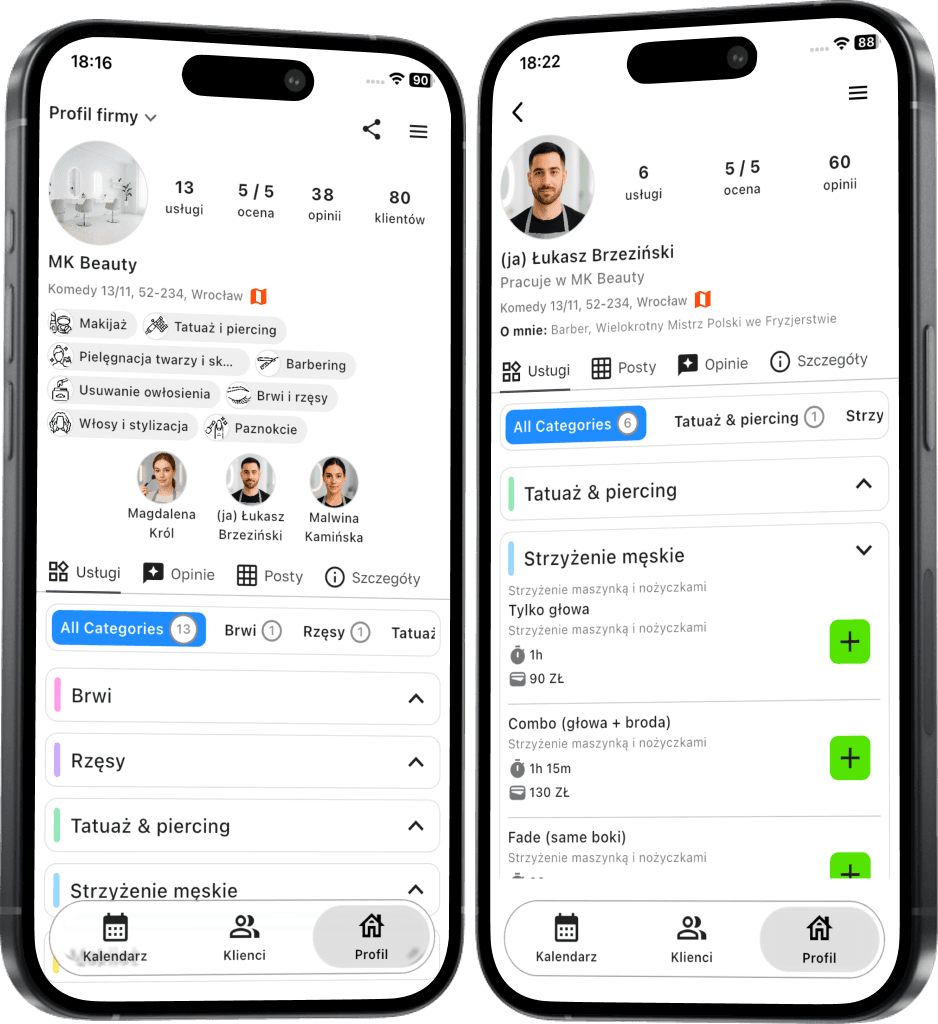
Ready to reclaim your time and fill your calendar?
With Terminka, you can organize your entire business in one place - from a custom booking page to links perfectly tailored for your social media profiles.
Discover how to bring peace of mind back to your salon. Test Terminka for 14 days completely free.
Would you like us to help you draft the perfect "How to Book" pinned post template for your specific salon? Just contact us!