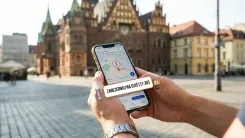
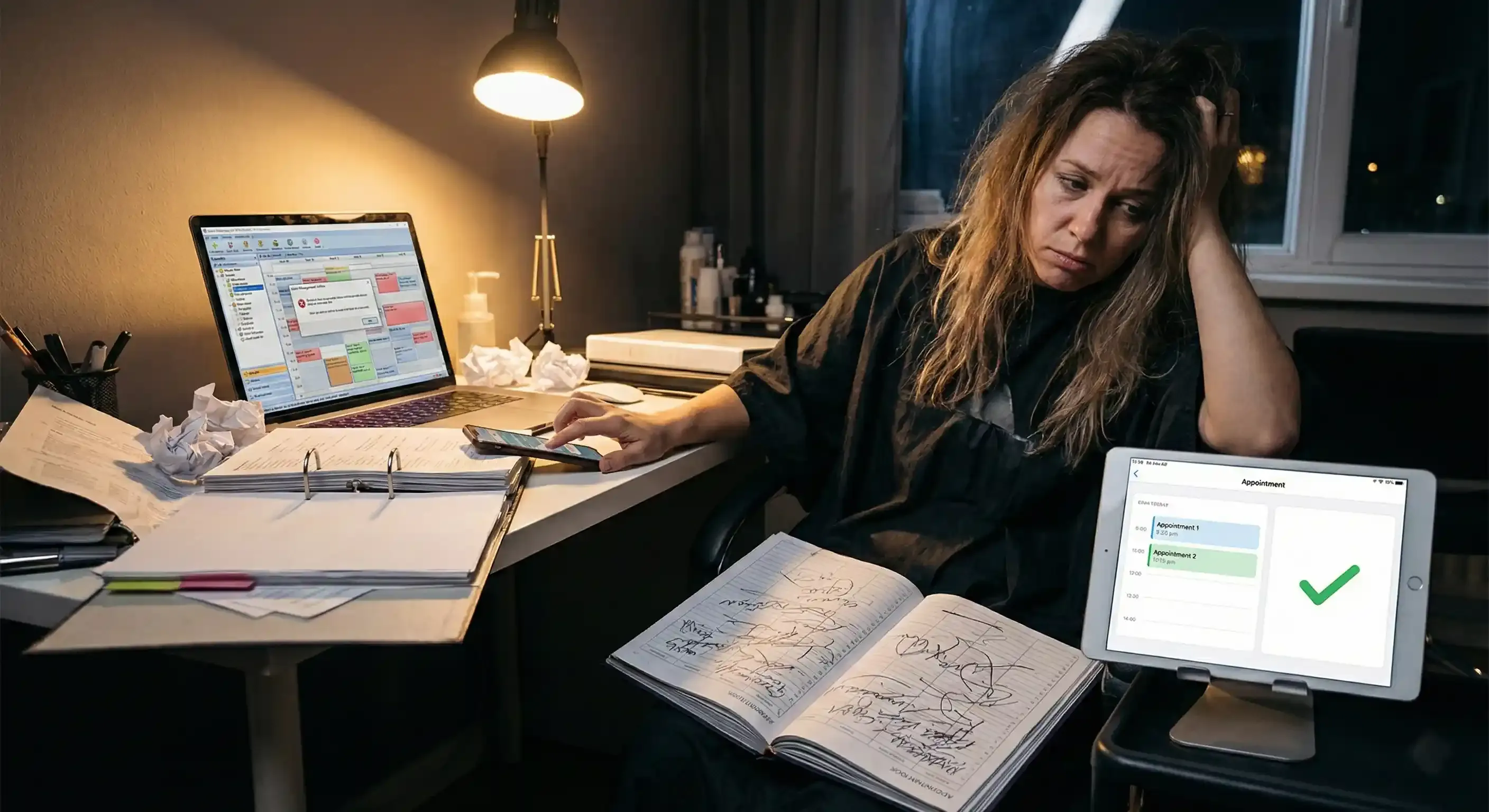
Software bugs aren't usually what kill a new system rollout. In the beauty world, we are often derailed by our own ambition - trying to upload a hundred services, complex variations, and the entire team’s holiday schedule at once, all while wrestling with online payments. The result? You spend hours fighting settings, throw your phone in a corner, and go back to your trusty paper notebook.
This plan is designed to stop that. We are focusing on a "Launch" version that you can set up in just two days, allowing you to fine-tune the details once the bookings start rolling in. 48 hours is more than enough time, provided we aim for a functional tool rather than a perfect masterpiece.
What needs to be ready in two days?
By the end of the 48-hour mark, your salon should be operational. You don't need a digital encyclopedia; you just need three things: a transparent booking page where a client can independently choose a slot, a calendar with your team's actual working hours, and automated appointment reminders. Everything else, like decorative descriptions for every single treatment or studio-grade photos of every workstation, can wait its turn in the coming weeks.

Before you start: Prepare six essentials
Don't even sit down to configure your settings until you have this cheat sheet ready. It will save you a massive amount of stress when you start clicking through the setup.
-
A list of 10-15 bestsellers: Don't input your entire legacy price list yet. Start with the treatments that keep you booked solid.
-
Honest durations: Determine exactly how much time you need. A 5-10 minute buffer between clients for cleaning and prep is your greatest luxury, don't skip it.
-
Base pricing: Simple rates are enough for the launch phase.
-
Working hours: Have your exact dates and any planned time off ready to go.
-
A clear cancellation policy: One short, firm sentence is all you need, e.g., "Please reschedule at least 24 hours before your visit."
-
Login access: Keep your Google and Instagram credentials handy.
Day 1: Building the foundations
On the first day, we focus on the "engine" of your system. When adding services, use the names your clients actually type into search engines. Instead of "Complex Molecular Hair Fiber Reconstruction," simply write "Nourishing Treatment / Recovery."
When setting durations, be honest with yourself. If a full set of lashes takes you 90 minutes, don't enter an hour just because it "looks better" on the menu. Lying to the system creates a "traffic jam" in your schedule that will ruin your entire day and stress out clients in the waiting room. Configure your hours, add your breaks, and template your schedule. If you have several employees, set up your own schedule first, then copy those settings for the rest of the team.
The final step for Day 1 is SMS reminders. These are your most effective tool for fighting gaps in the schedule and no-shows. Set a brief confirmation message to go out right after booking and a reminder 24 hours before the appointment. At the end of the day, run a test: book an appointment with yourself from your personal phone. If you get the text and the slot is blocked, you're halfway there.
Day 2: Going live and the "real world" test
Today, your booking page must become the "source of truth" - the only place you direct all inquiries. Every link across the web should lead directly to your live calendar, not a general homepage or a social media profile.
Start by dropping your booking link into your Google Business Profile. This is the fastest way to start generating visits from local "near me" searches. Next, update your Instagram bio, add a "Bookings" Story Highlight, and pin one post with simple instructions on how to schedule a visit.
The most important task of the day is the 90-second test. Take your smartphone and ensure that moving from service selection to confirmation takes less than a minute and a half. If it does - congratulations, your system is ready. Ask one person outside the salon to try booking a slot as well. If they can figure it out without calling you, your clients will too.
Common pitfalls to avoid
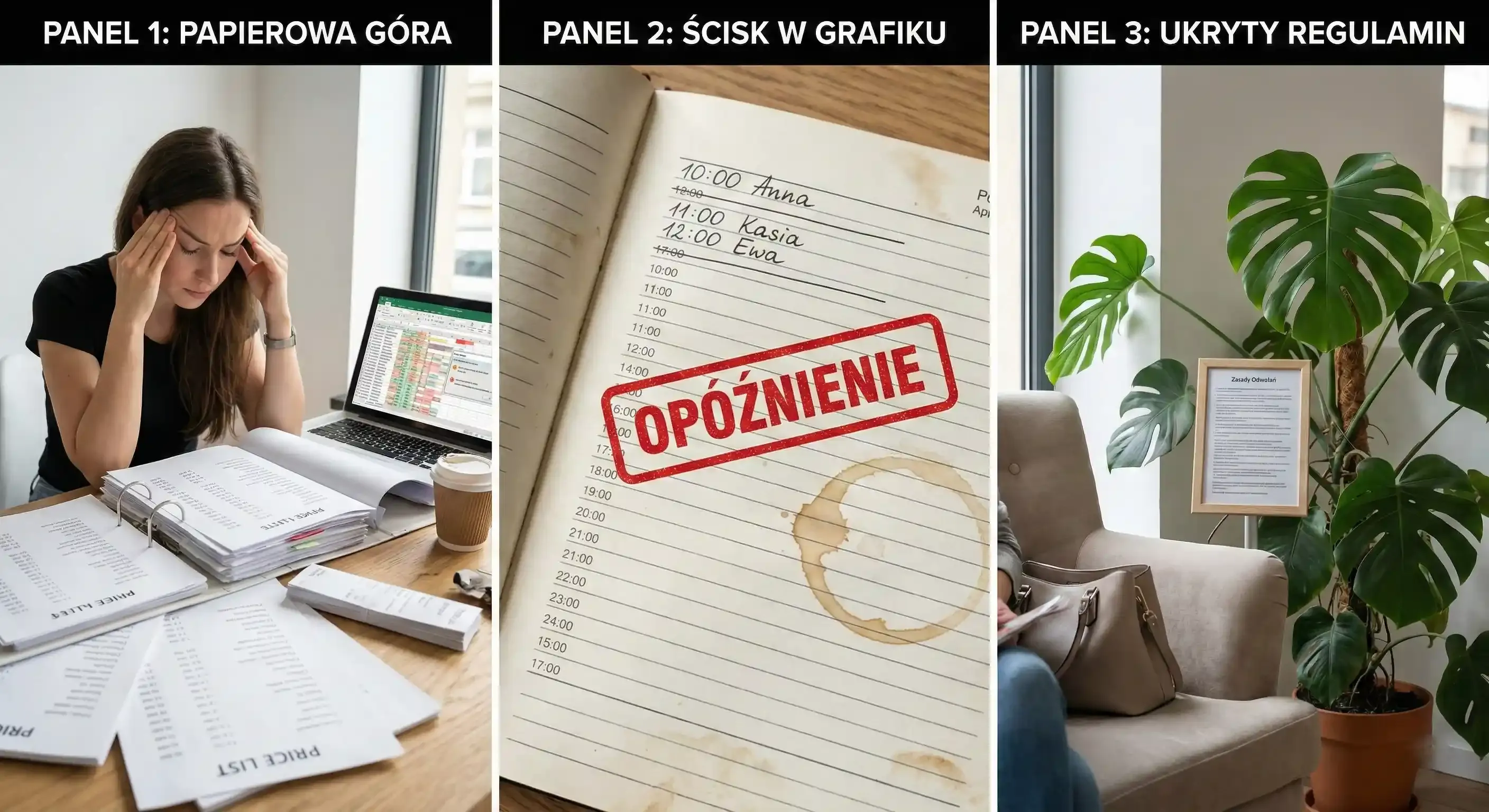
The biggest trap is trying to upload a complex, multi-tiered price list all at once. You will get bogged down in the details and lose momentum. The second mistake is neglecting the time buffers mentioned earlier. Without them, your perfect schedule will fall apart the moment a client runs five minutes late. Finally, ensure your cancellation rules are clear and visible - no one reads terms and conditions hidden deep in a sub-menu.
The first week after launch
Once your online booking is live, you don't need a massive marketing push. Just observe the daily flow. Are your service times accurate? Ask a few regular clients to book online "as a test" and give you feedback. You can add missing services two or three at a time as you go. Within seven days, you'll find the system has become your most natural assistant, handling the admin while you focus on the work in front of you.
Want to switch to online booking without the chaos or weeks of planning?
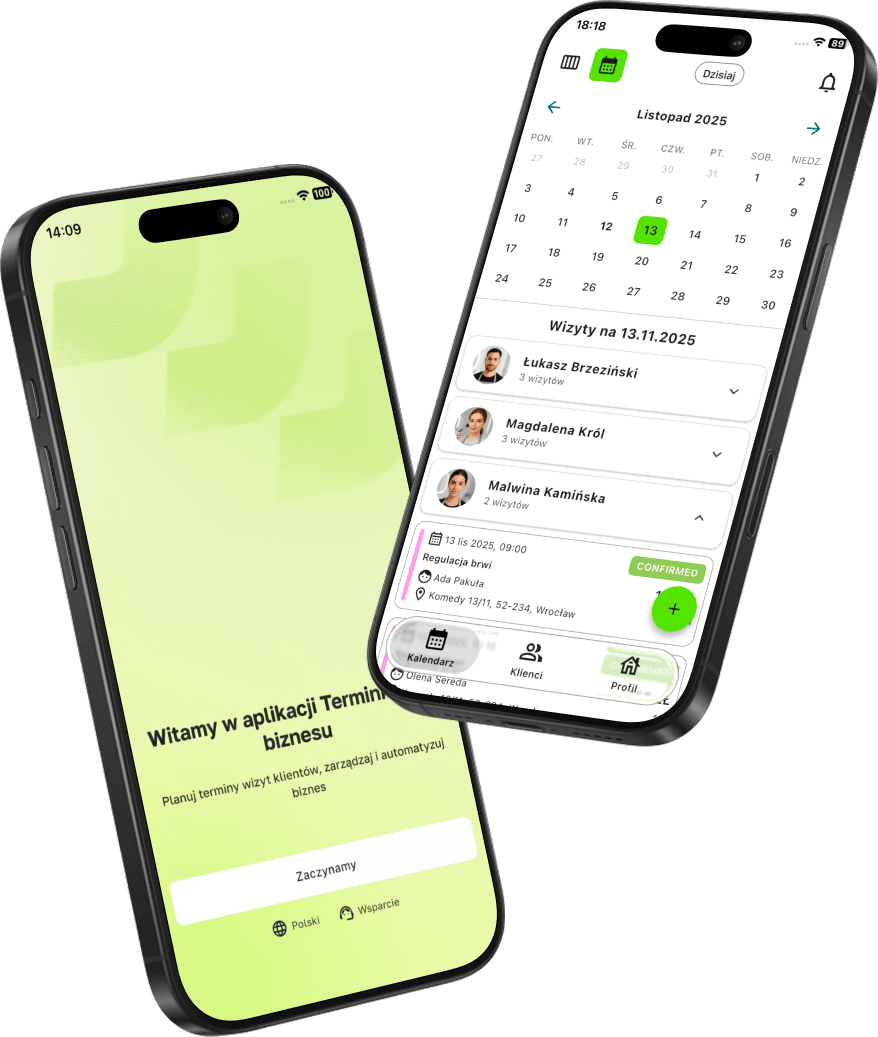
With Terminka, you can organize your entire schedule in a single evening. Our simple links for Google and Instagram ensure the phone finally stops ringing while you're in the middle of a treatment.
Reclaim your time and test Terminka for 14 days completely free.
We can prepare for you a custom "Day 1" checklist so you can start your implementation immediately without wondering what to click first. Just contact us!