
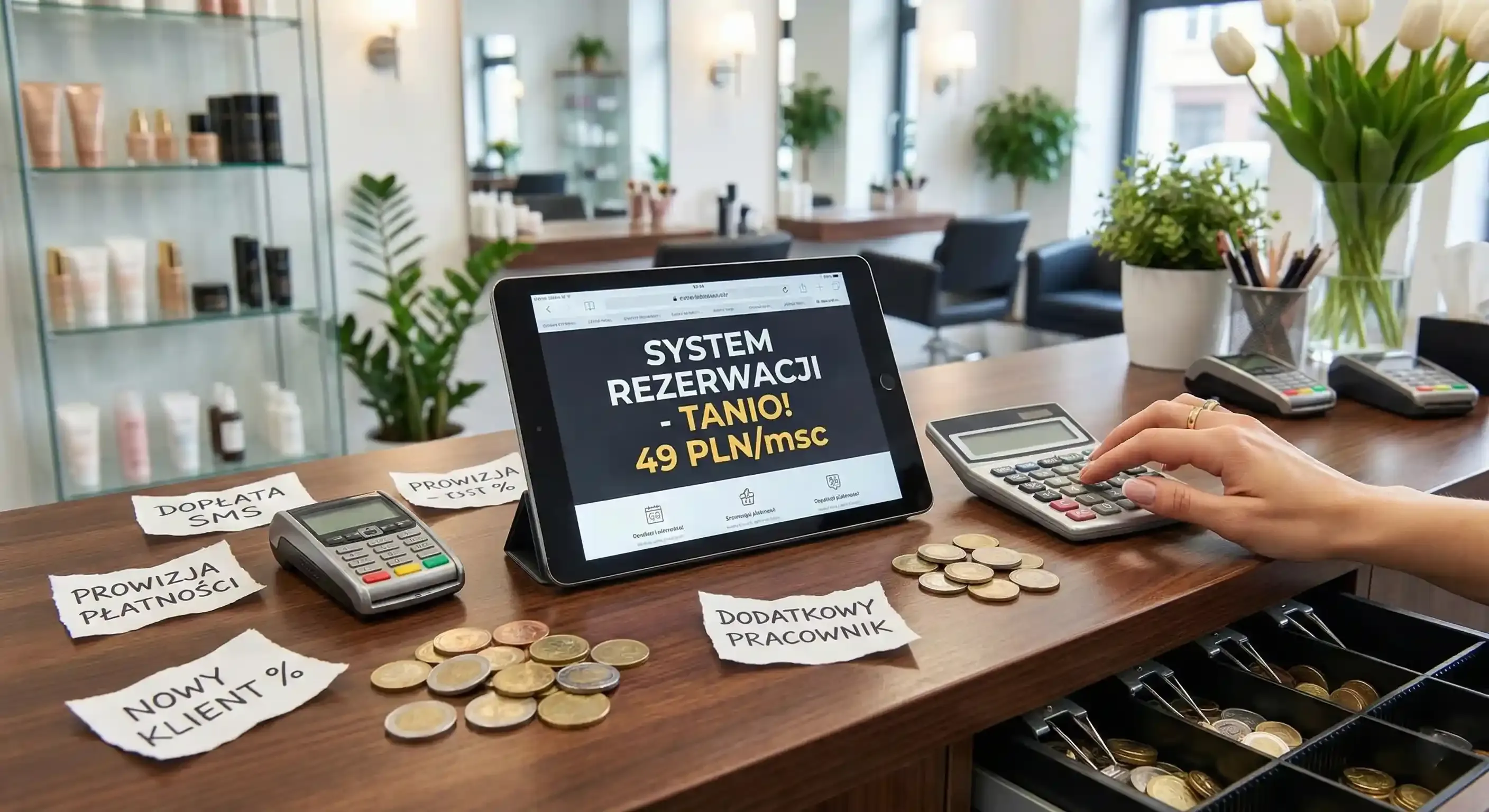
Let’s start with the facts: a "cheap" system can often be the most expensive mistake you make. In the beauty industry, it’s easy to get lured in by a low headline price, only to discover a month later that the final bill tells a very different story. Hidden extras for SMS notifications, fees for additional staff accounts, online payment commissions, or, even worse, a percentage of every "new" client can quickly drain your salon's bottom line.
This article is here to help you compare pricing models with total clarity. Our goal is to help you choose a solution that actually supports your business rather than just eating into your hard-earned profits.
Three Cost Models: What You Need to Know
Before committing to a specific tool, consider what your salon needs most: total peace of mind in your schedule or a steady stream of external leads.
-
Subscription (Fixed Monthly Fee). You pay a set amount for access to specific features. This is the most predictable model for any business owner. It doesn’t "punish" you when you have a record-breaking month because your costs don't scale with your success. This is the ideal solution for established salons (from 2 to 20 staff members) and solo specialists who want to keep their data organized and their client base under their own control.
-
Commission per New Client (Acquisition Fee). The logic here is simple: the platform brings you people, and you give up a slice of the pie as a commission. This can make sense if your salon is in a brand-new location and you need to fill your calendar fast. However, keep in mind that for high-ticket services, the acquisition cost can be incredibly high, and you effectively become dependent on a third-party portal's rules.
-
Free Plan. While this sounds like a dream, it usually comes with heavy strings attached. Free versions often have significant restrictions, such as no SMS reminders (leading to more no-shows), booking limits, or zero access to business analytics. It’s a decent option for testing the waters if you work solo and want to see if your clients are even interested in booking online.
What’s Missing from the Price List? 9 Traps to Watch Out For
Before you sign any contract, check the "fine print." These details often determine whether a system is truly cost-effective once you are up and running:
-
SMS Costs: Are they included in the package, or do you pay for each one individually?
-
Staff Count: Do you pay extra for every new team member you add?
-
Workstations: Does the system count people, or does it also charge for rented chairs?
-
Online Payments: What are the operator's transaction fees, and is there a hidden activation fee?
-
Deposits and Prepayments: Is this feature included in your specific plan?
-
Reports and Analytics: Do you have to pay more just to see how much you’re actually earning?
-
Support and Onboarding: Will someone help you migrate your client database for free, or are you on your own?
-
Language Versions: Can you send notifications in other languages (e.g., Ukrainian or Spanish) without extra fees?
-
Cancellation Terms: How long is the notice period if you decide the system isn't for you?
Pro Tip: If your main struggle is a chaotic schedule and the phone ringing while you're with a client, look for a solid subscription model. If you are struggling to find clients at all, you might test a commission-based platform, but keep a very close eye on the total monthly cost.

Calculating ROI Without the Spreadsheet Stress
You don’t need complex formulas to know if a system is worth it. Just look at the basic math of the beauty trade. Consider two things: the time you waste manually booking appointments and the revenue lost when someone doesn't show up.
Imagine your average service is $100. If automated reminders "save" just two appointments a month, you’ve kept $200 in your pocket. Add to that the several hours a week you reclaim because the phone finally stops ringing every fifteen minutes. In this scenario, a subscription usually pays for itself within the first week. The software isn't a cost - it’s an investment that ensures your schedule is no longer full of gaps.
How to Test a System Risk-Free
The best approach is to start with a "mini version." Don’t try to upload your entire price list at once. Choose your 10 most popular services, set realistic durations, and turn on reminders. Add your booking link to your Instagram bio and your Google Business Profile.
After two weeks, check how many people booked themselves and how many fewer DMs you had to send during your "off" hours. If you feel a sense of relief and see your calendar filling up, that’s your sign to make it permanent.
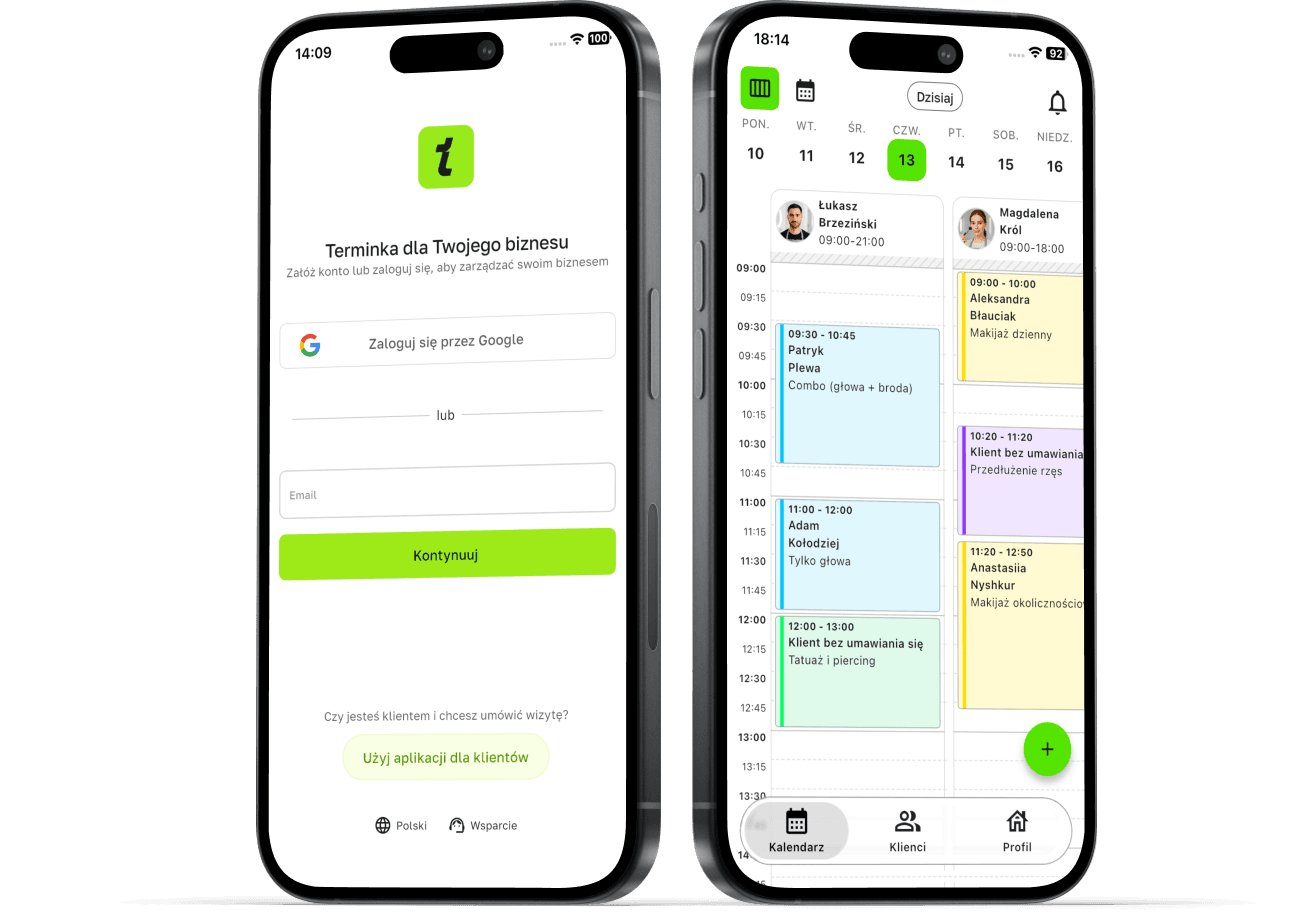
Want full control over your expenses and a system that bills you for organization, not for every single client?
With Terminka, you can consolidate bookings from all your channels into one clear, professional calendar. This way, you know exactly what you’re paying, and your clients can book 24/7.
Discover the transparent way to manage your salon. Test Terminka for 14 days completely free.
If you need a simple calculator to help you figure out exactly how much you could save through booking automation - Just contact us!